
theCabinet
A personal account builder for your website or social media account
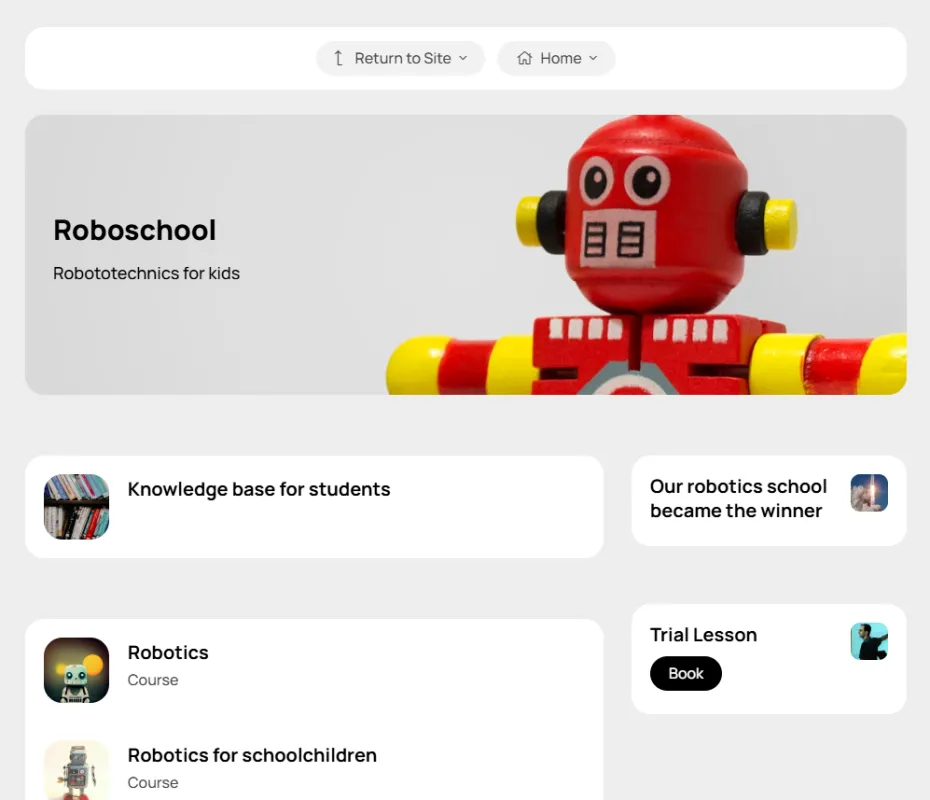
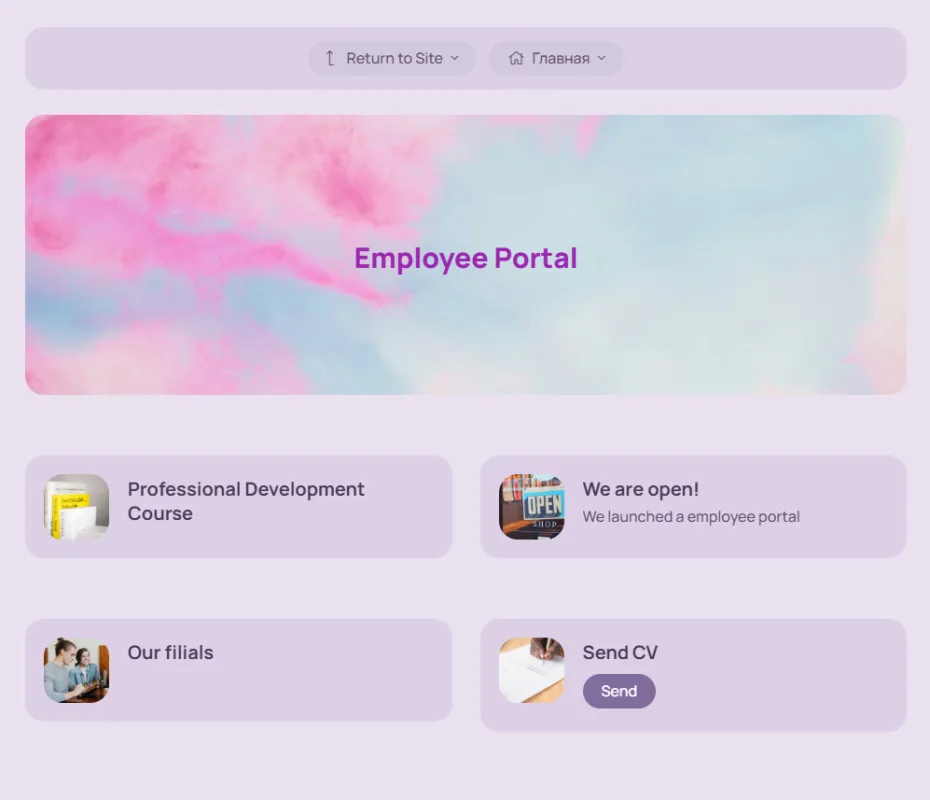
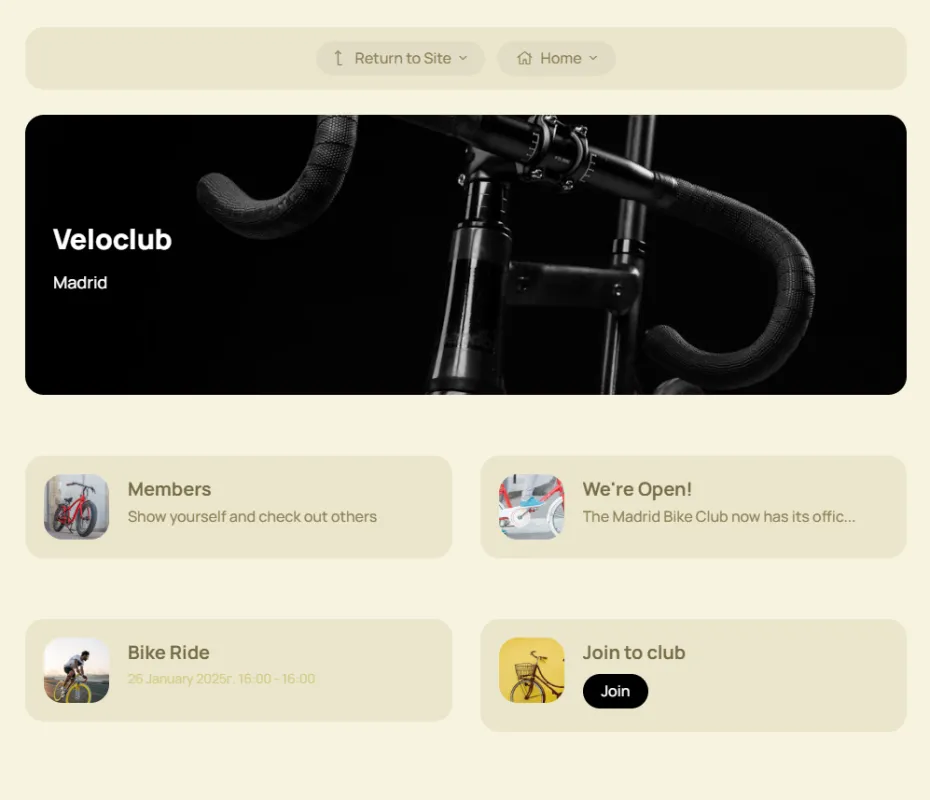
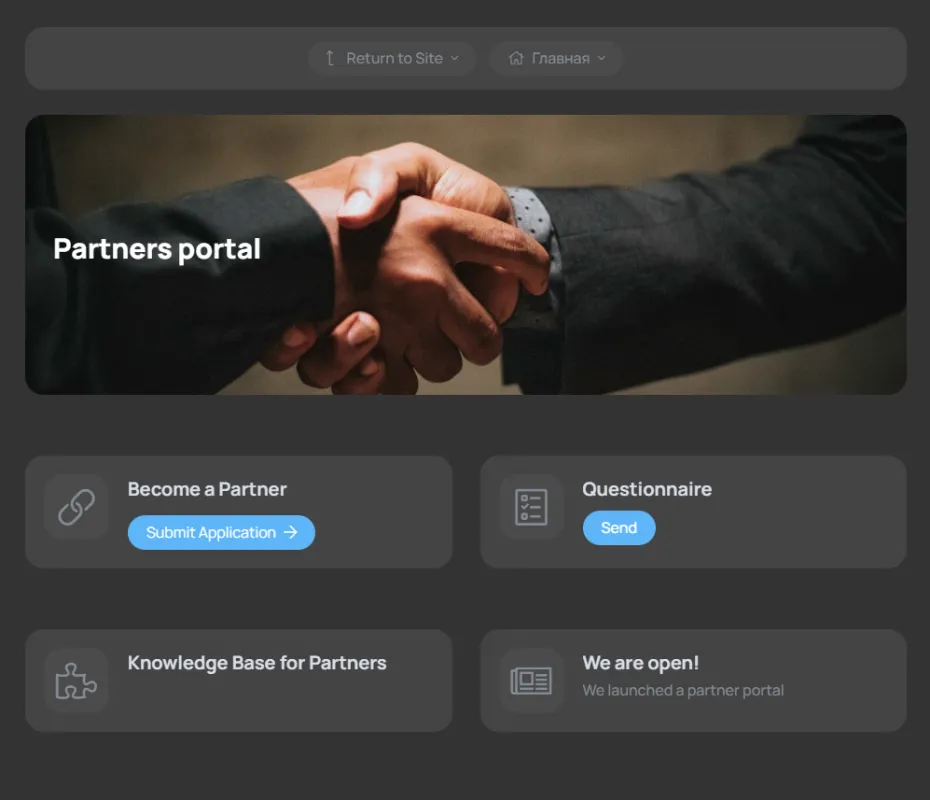
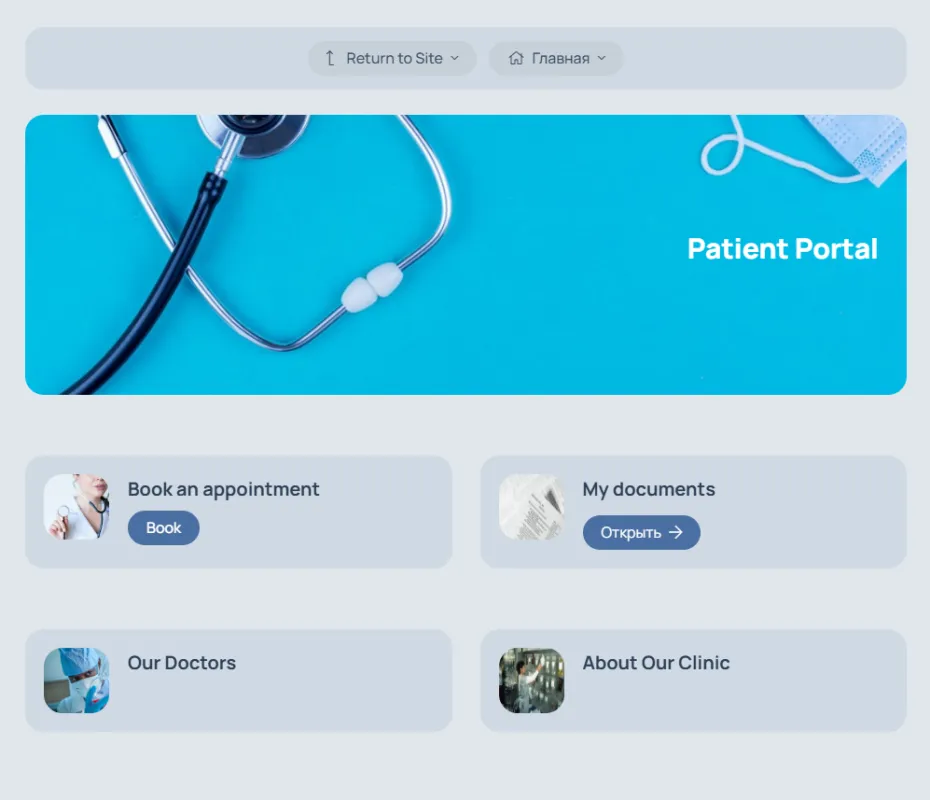
Platform for system work
with clients
with employees
with partners
with clients
with employees
with partners
Two operating modes
In this mode, the platform is an extension of your website or social network account. The platform can be connected anywhere where you can put a link to your personal account
If you don’t have a website, the platform can work as a business card website with built-in CRM and tools for online sales and marketing
Solutions
Choose a ready-made solution
or create your own configuration from built-in tools for sales, marketing, support, training, and motivation
Employee's office
Onboarding for newcomers, drip marketing, applications with status tracking, a closed knowledge base, courses, subscriptions to company services, and a client personal account
Subscription club
Closed site with automatic monthly card payments
Partner's account
Systematic work with a partner network, maintaining attention, motivation, training, and partner retention
Online school
A blended learning solution. Online courses, offline learning, quizzes, events, knowledge bases, and a subscription model.
Member's office
Closed knowledge base, networking, automatic membership fee collection
Client's account
A personal account builder for your website or social media account.
Launch faster
Ready-made tools allow you to start working immediately, without developing and maintaining infrastructure
Quick start
Ready-made tools allow you to begin implementation today, saving time and money on programming.
No infrastructure costs
No server support costs allow you to focus on business tasks rather than technical issues
Fast, reliable, technologically advanced
Focus on development
Please leave any technical questions to us.
No special knowledge required
A simple and user-friendly interface allows you to work without involving your own programmers and designers.
Help at the start
We will help you implement the solution you need using the platform's capabilities.
Data protection
Data backup and cloud technology ensure the safety of your data
24/7 access
We work 7 days a week, 7 days a week, and 365 days a week, anywhere on planet Earth.
Works on all devices
The Office workspace adapts to the size of your device.
Responsive support
We respond within an hour on weekdays and within 3 hours on weekends.
Built-in CRM
Don't waste time filling out your CRM
All user actions and requests are automatically recorded in the CRM
Documents
A repository for files and records related to clients and transactions. Documents can be published in the user's personal account.
Contacts
The contact card automatically collects information about purchases, requests via forms, correspondence history, and current tasks.
Transactions
The deal includes all information related to the process of selling support and recruiting, from the initial contact to the completion of the business process.
Funnels
A tool for tracking and managing customer interactions at all stages. It visualizes the customer journey from initial contact to completion of the transaction and adapts to various types of interactions.
Onboarding
Support newcomers
Help them get up to speed quickly. Eliminate unnecessary information at the start and provide clear steps to get started. This will reduce the number of standard support requests.
Welcome block
Displayed upon first visit to the account. After reading, it can be hidden by the user.
Starting checklist
A list of items with a completion mark recorded in the CRM on the contact card
Email chains
A set of pre-prepared emails sent to the user automatically after a certain period of time
Content
Form the information space
Use different content formats to educate, inform, and sell within one system
News
News feed on the main page of the account, quick newsletter distribution to the client base
Events
Webinar and offline event announcements, invitation distribution, registration and payment lists
Files
Publish files for download with flexible visibility settings and the ability to set up paid access
Courses
Homework, stop-lessons, group and individual schedules, convenient text editor
Knowledge bases
A collection of articles and files with flexible structure and full-text search
Video
Publish videos with flexible visibility settings and the ability to set up paid access
Gamification
Increase engagement
Bonuses, statuses, and progress motivate you to come back and take action.
Personal counters
A universal tool for displaying a user's personal balance in their account
Badge
A badge is a distinctive symbol (status, rank, etc.) that a user sees under their name in their personal account.
Payment with bonuses
You can pay for a course, knowledge base, file, event, or membership in a subscription club with bonuses.
Monetization
Accept payments online
After payment, the user instantly gains access to the product, and their data is automatically entered into the CRM
Tariff plans
A tool for organizing pricing plans for your product
One-time payment
After payment by card, the user is automatically granted access to the paid digital product
Payment in installments
The administrator can split the invoice for a digital product into several parts and send the client a payment link.
Regular payments
When purchasing a product for the first time, the user links their payment card. The platform then automatically debits the specified amount after a set period of time.
Lead generation
Organize systematic work with incoming requests
Customizable forms, lead magnets, and a lead processing module
Forms
Collecting user data and entering it into the CRM. Forms can be published in the dashboard and on the company's main website.
Lead magnets
A tool for collecting contact information from potential clients. It can be implemented using several tools (article, course, video, knowledge base, event). Simply enable access after registration and configure the registration form.
Application processing module
This module collects all applications sent through forms.
Monetization
Create digital products
Experiment with different content formats
Tariff plans
A tool for organizing pricing plans for your product
Events
Webinar and offline event announcements, invitation distribution, registration and payment lists
Files
Publish files for download with flexible visibility settings and the ability to set up paid access
Courses
Homework, stop-lessons, group and individual schedules, convenient text editor
Knowledge bases
A collection of articles and files with flexible structure and full-text search
Video
Publish videos with flexible visibility settings and the ability to set up paid access
Shop
Sell physical goods and services
Customers can add items to their cart and then place their order or pay online. All orders are automatically recorded in the integrated CRM.
Shop
A tool for selling physical goods and services
Dealership store
Managing prices for different user segments
Referral program
Work with partners
Include your digital products in the affiliate program, determine the affiliate reward amount, and your partners will be able to expand your audience and increase sales.
Automation
Automate routine processes
Automated actions are a powerful tool for marketing, customer retention, and optimizing time spent on repetitive actions.
Auto-actions
Send emails, award points, subscribe to email chains, create deals and tasks, and automatically transfer users to another segment.
Email chains
A set of pre-prepared emails sent to the user automatically after a certain period of time
Letter templates
Letter templates that can be sent to platform users
Account
Allow users to independently manage their data and track the status of orders
A personal account section with a set of tools for managing personal data, tracking the status of submitted requests and completed purchases
My PRO orders
A section of the personal account for interaction between the manager and the client during order fulfillment
My orders
A section in which the user has access to all of his product orders, subscriptions, orders via the shopping cart, and applications via forms
Password recovery
If a user forgets their password, they can recover it themselves without having to contact support.
Name and photo
The user can upload their own photo and crop it if necessary.
Login and password
The user can independently change his password and registration e-mail.
Languages
Users can select the language for their personal account's user interface. We are constantly expanding the list of supported languages.
Design
Combine your website and personal account into a single unit
Set up your own domain and design your personal account in your brand colors. Users will perceive the site and personal account as a single, unified space, building trust and loyalty.
Favicon
A website or page icon. Appears in the browser tab before the page title.
Logo
Placed on the login page, on the registration page and in the HERO block on the main page of the account
Own domain
The platform can run on any domain or subdomain, working seamlessly with your website.
Colors
Design your account in the colors of your main website to create a unified information space
Reviews
What our users say
Find out how our platform helps businesses grow
The platform impressed us with its ease of implementation and flexible configuration. Its user-friendly interface, similar to social media, allowed our managers to master the system in minutes. This significantly accelerated onboarding and increased team
Gavrilova Lyudmila, LAWYER, PARTNER OF VILEN
The platform covered approximately 90% of our educational project's business processes. Interaction between administrators, teachers, and students reached a whole new level.
Natalia Protsai, Founder of IT-UNIVER
theCabinet was a perfect fit thanks to its flexibility and user-friendly interface. The platform helped us establish systematic interactions with clients and partners. Our work became more streamlined, and routine tasks took less time.
Sergey Tarasov, HISTES PROJECT MANAGER
The platform allowed us to quickly implement tools, optimize processes, and experiment with formats.
Inessa Safonova, Founder of the School