
My orders
A section in which the user has access to all of his product orders, subscriptions, orders via the shopping cart, and applications via forms
Paid digital product
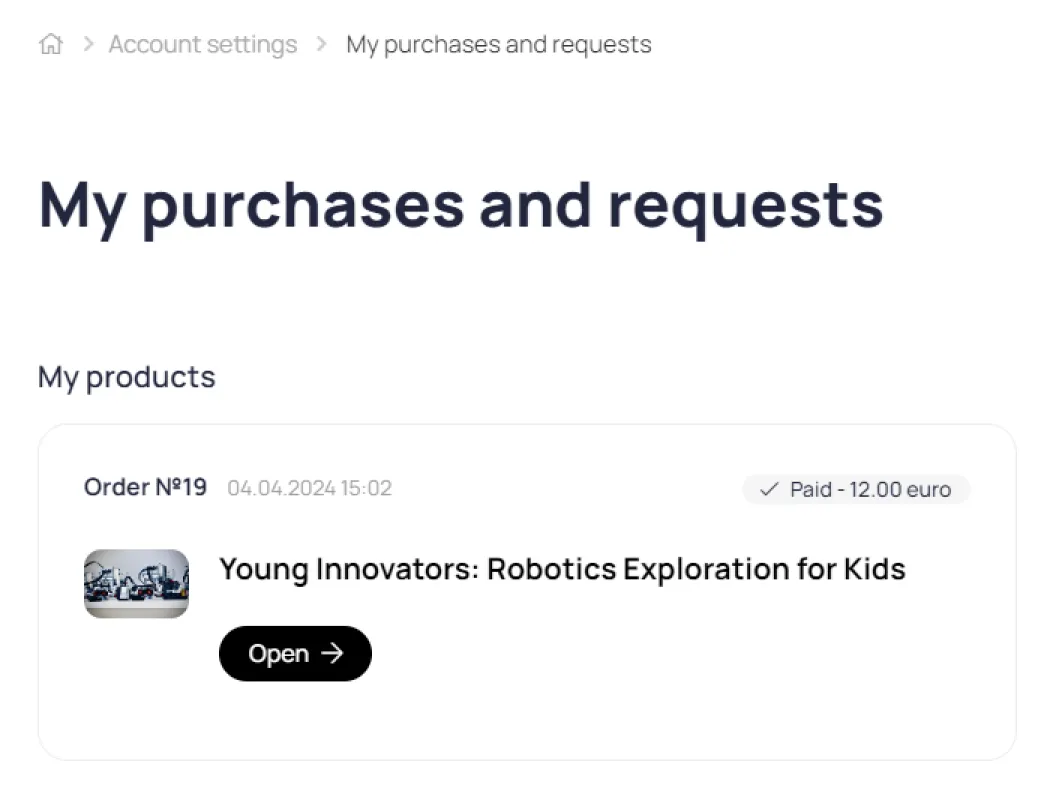
After payment for the product, it becomes available to the user in the My Orders section.
Waiting for payment
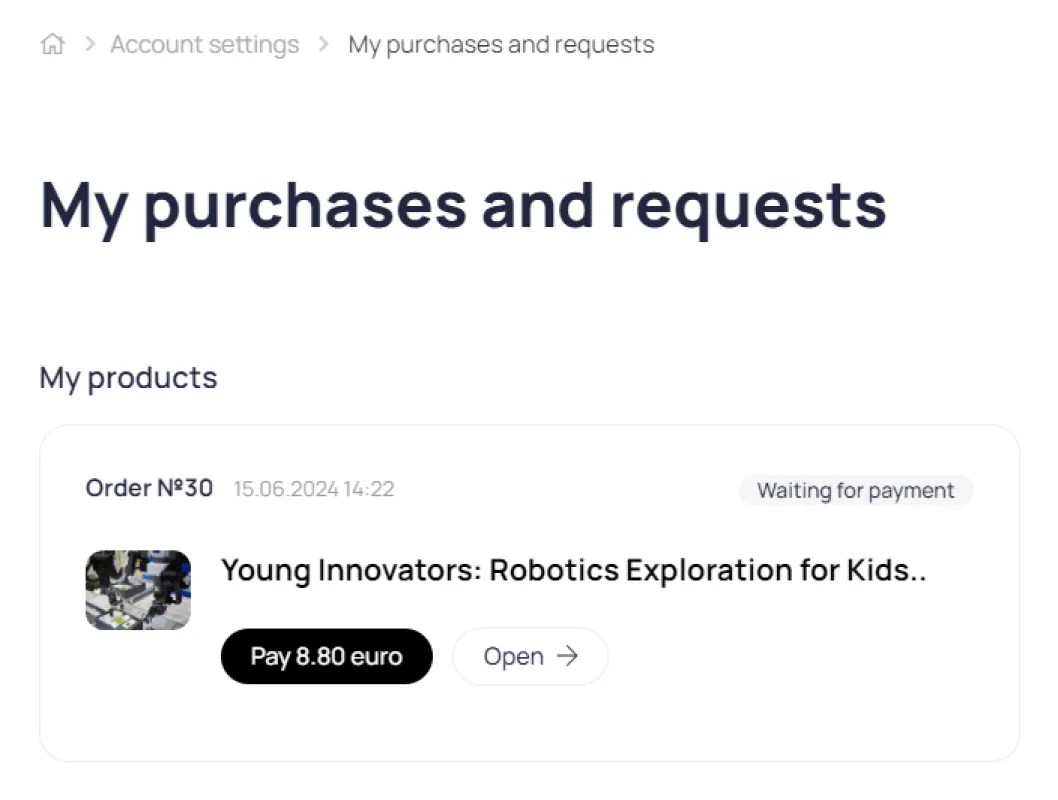
If the user fails to complete payment for a product for any reason, the order appears in the My Orders section with the status "Pending Payment." A "Pay" button appears next to the product name. Once payment is completed, the user automatically gains access to the product.
Lead magnets
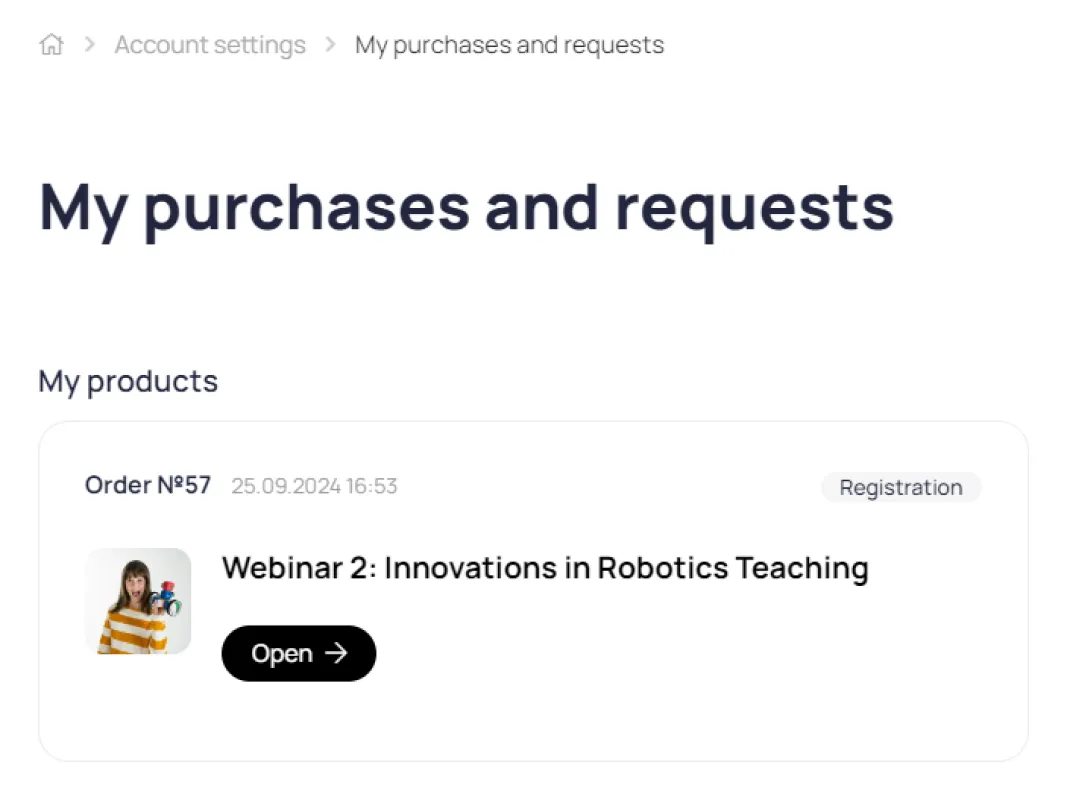
Digital products that were purchased in exchange for personal data (Lead Magnet) are also displayed in the My Orders section.
Orders via the shopping cart made through the Store module
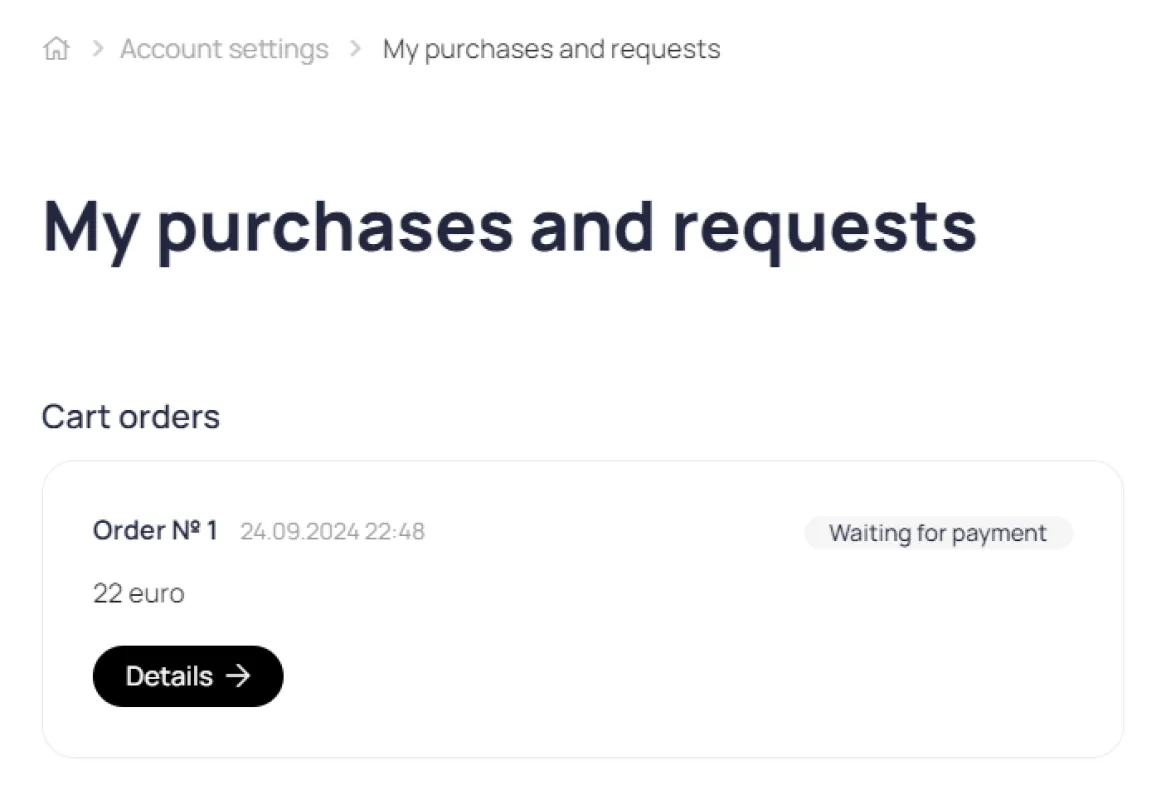
Orders placed through the Store module
Order details
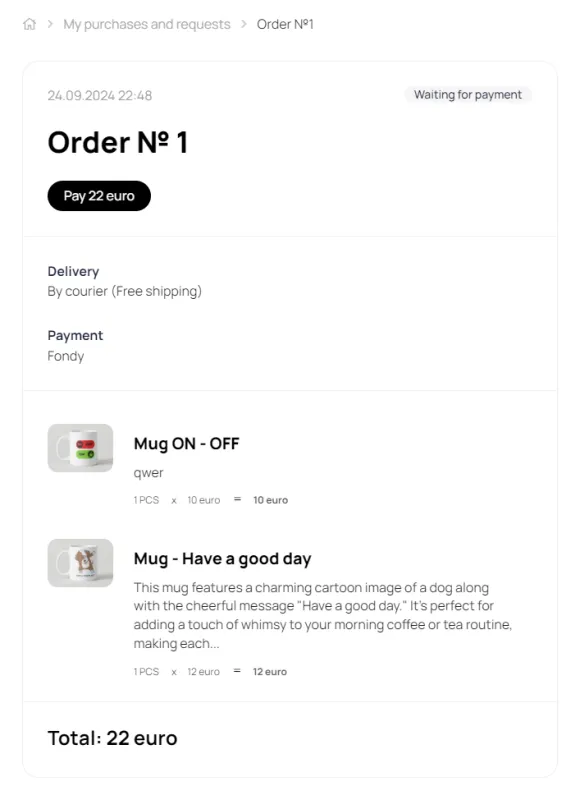
For orders with the Awaiting Payment status, a Pay button is displayed. After online payment, the order is automatically upgraded to the Paid status.
Applications via forms
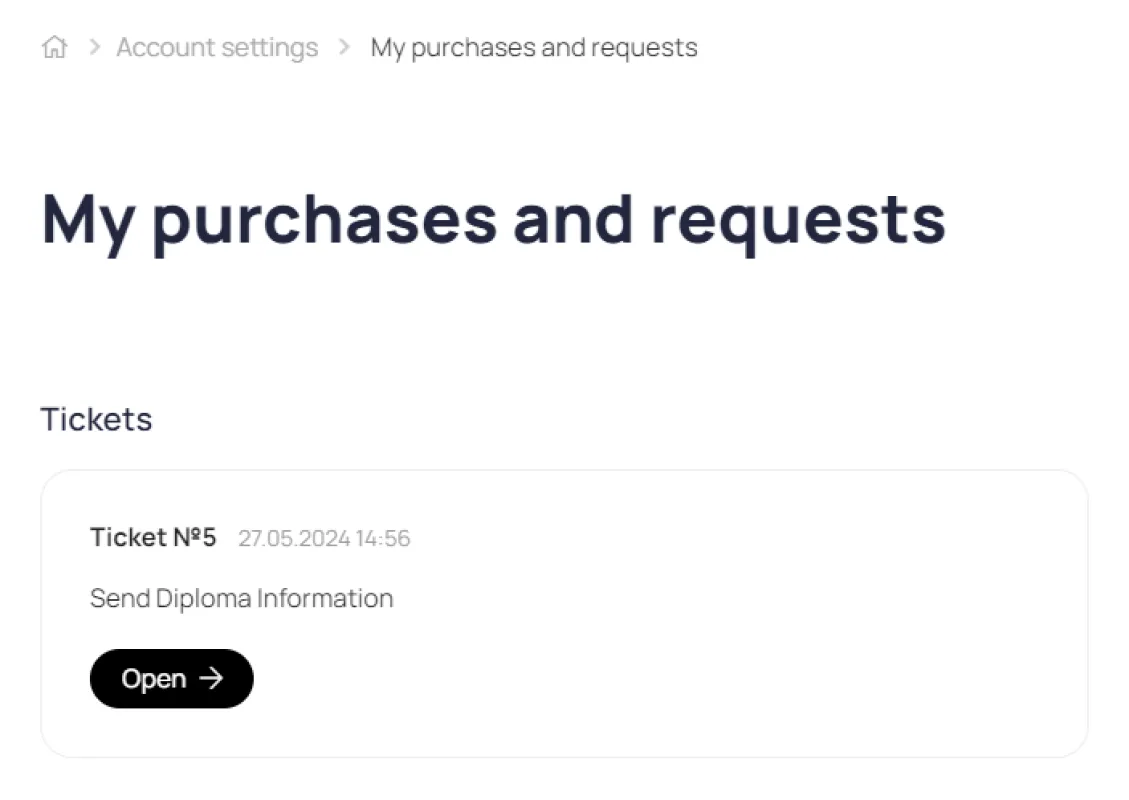
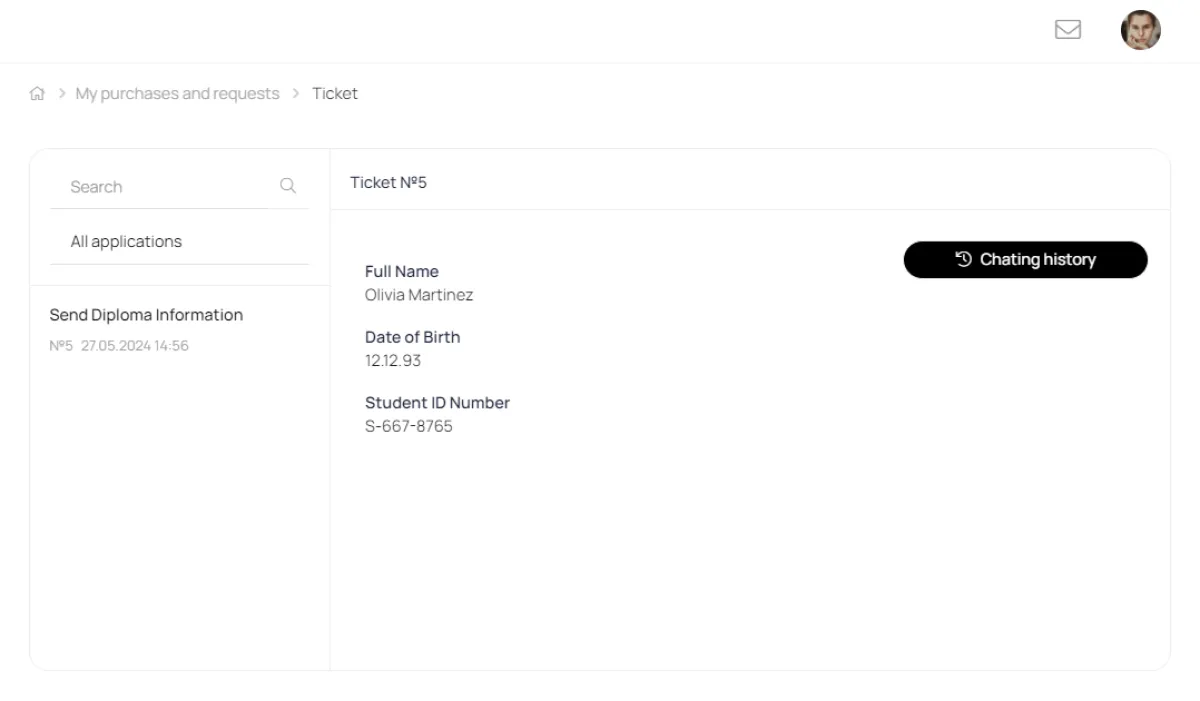
Within the created request, the user can correspond with the responsible manager:
Subscriptions
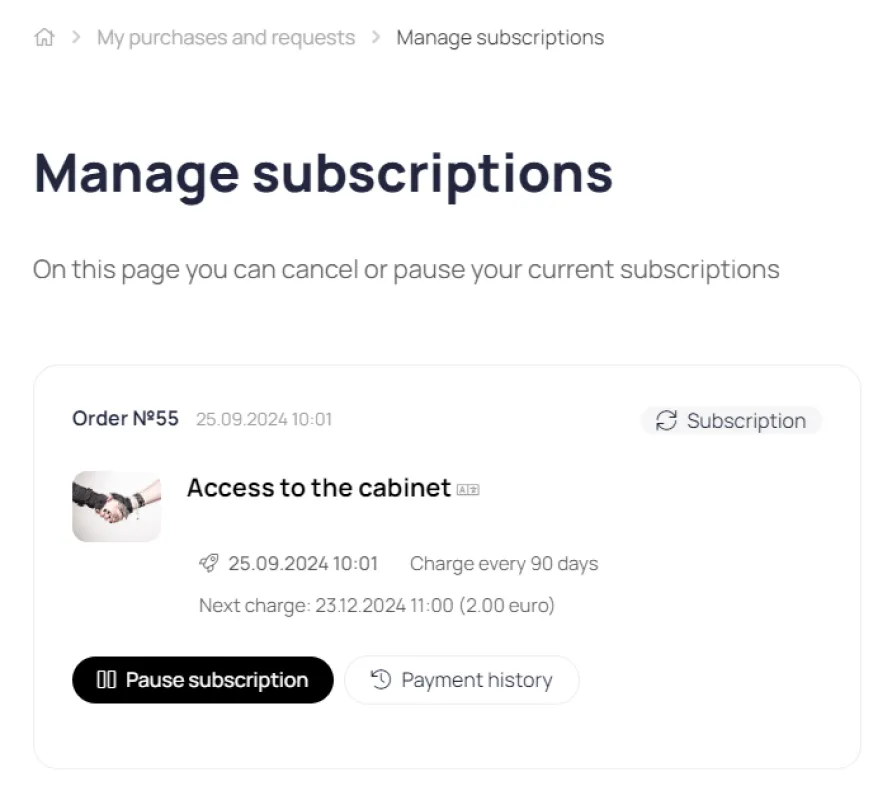
All subscriptions are displayed in the My Purchases section. Information about the subscription start date, the next card charge date, and the history of previous charges are available here. Subscriptions can be canceled or paused at any time.