Files
Publish files for download with flexible visibility settings and the ability to set up paid access
Tool usage scenarios
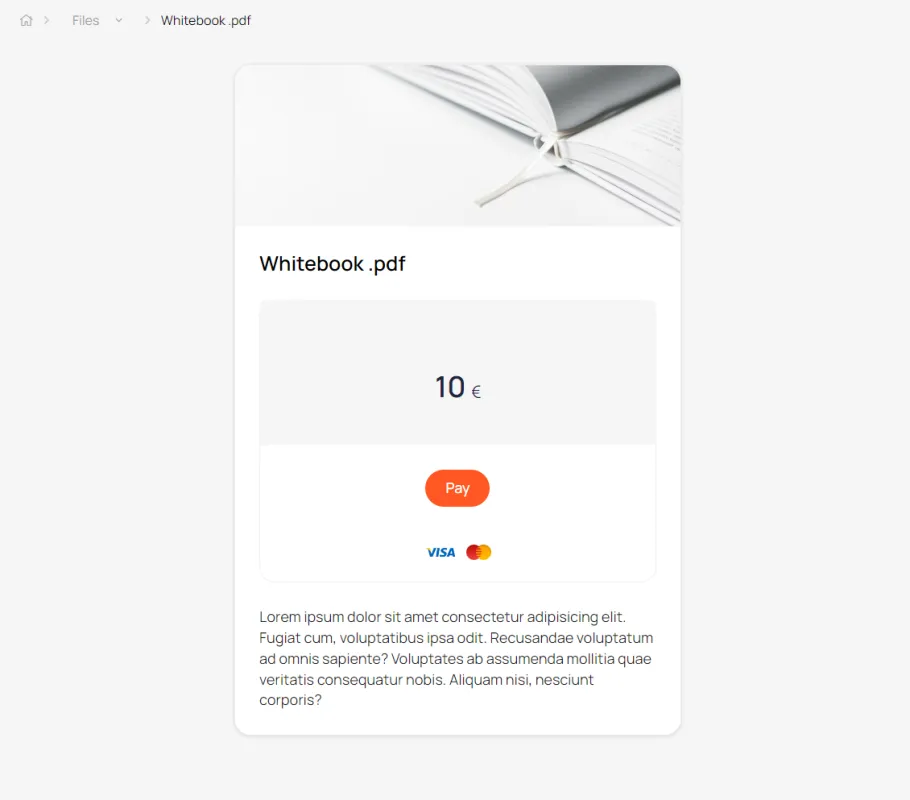
File with paid access
Specify the price and payment method. After payment, the user will automatically receive access to the file.
File as part of onboarding
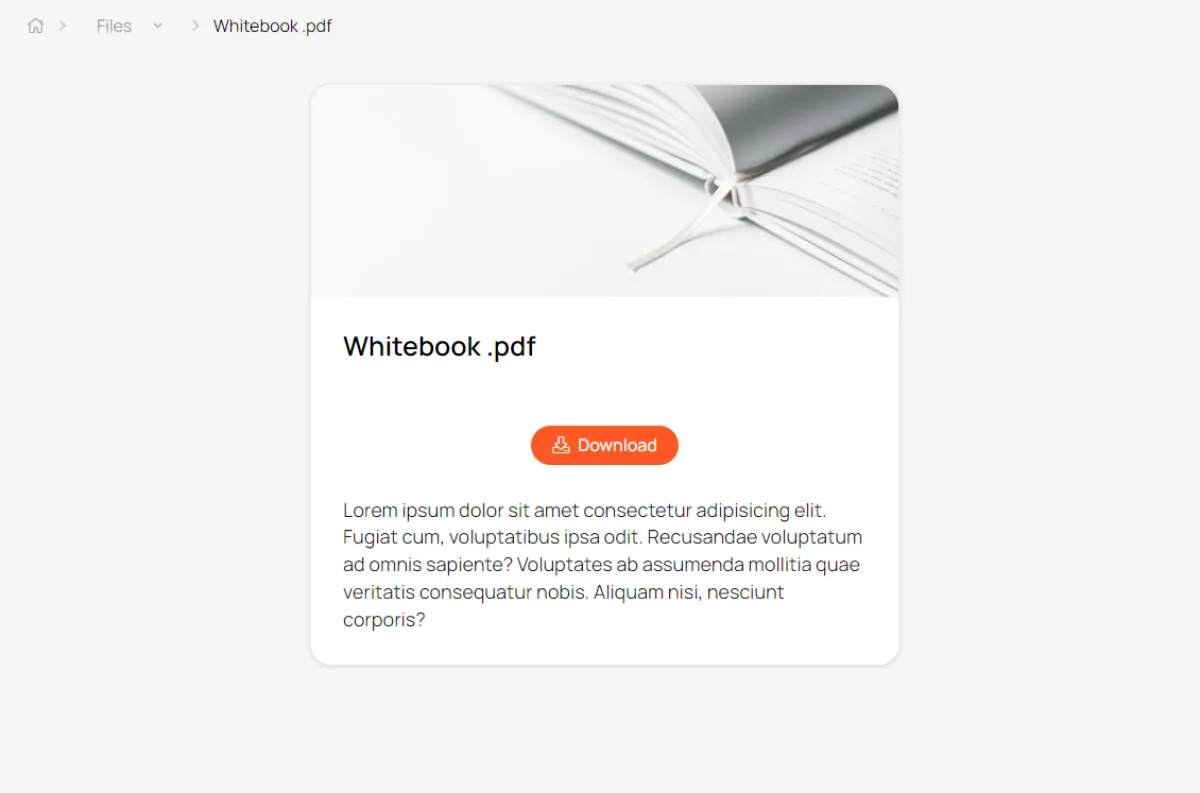
Sometimes you need to allow new users to download some materials for review. After users are transferred to the Active Files segment, they are automatically hidden, and more current documents necessary for the user's current work may appear in their place.
Lead magnets
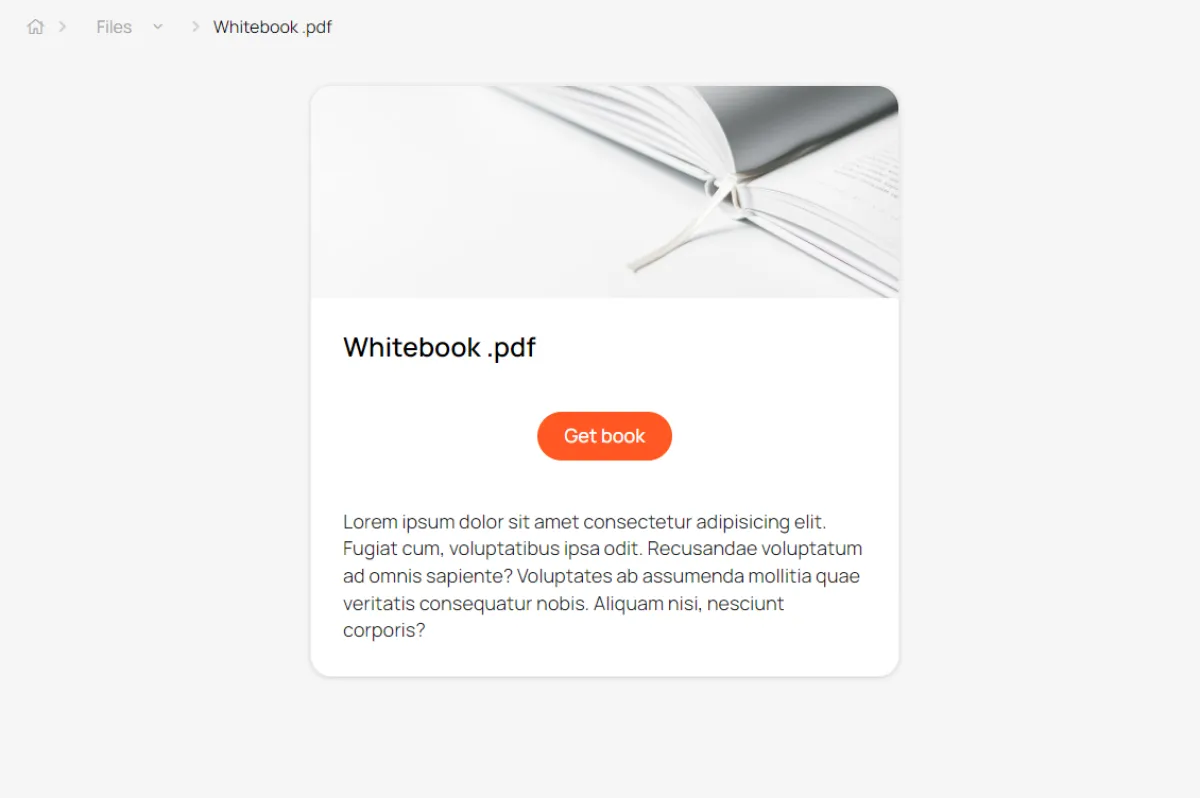
A tool for collecting contact information from potential clients. It can be implemented using several tools (article, course, video, knowledge base, event). Simply enable access after registration and configure the registration form.
Tools for working with digital products
Export to Google Spreadsheets
Set up automatic download of information about product users
Promo codes
Set up discounts for product purchases. Customers enter a promo code during the checkout process and receive an instant discount. The promo code offer may be time-limited.
Embedding on a website
Embed a digital product sales button on your website, hosted on any platform
Product users
List of users who purchased this product
Flexible access settings
Customize visibility and access format to information based on your business needs.
Paid product
Available after payment by card or any other method. Promo codes, special terms for specific user segments, and other features can be set up for this information product.
Free access
The product is available to anyone with a link to it. The public course can be found through search engines.
Lead magnet
Content becomes available after completing a short registration form. Data is stored and entered into the CRM.
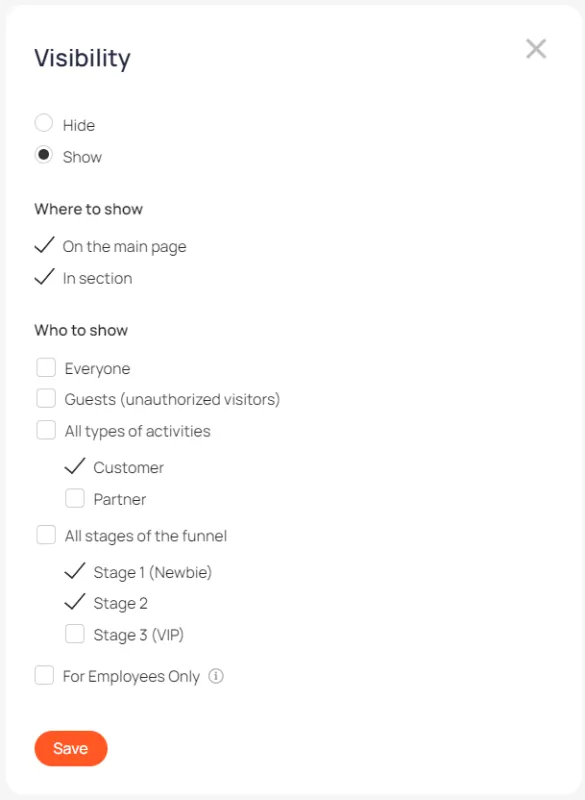
Access for segment
The product is available only after successful registration in your personal account and only for a certain circle of people (segment)
Use different payment formats to sell digital products
One-time payment
After payment by card, the user is automatically granted access to the paid digital product
Payment in installments
The administrator can split the invoice for a digital product into several parts and send the client a payment link.
List of files
Files can be published on the main page of the account or in the Files section

File page before payment
File as a lead magnet
The user gains access to the file after filling out a short registration form.