Courses
Homework, stop-lessons, group and individual schedules, convenient text editor
Use cases
Advanced training
Courses to update and expand the professional skills of employees to meet modern standards in their field
Employee adaptation
Specialized courses to help new employees quickly adapt to the company's corporate culture and processes
Employee training
Programs to develop the skills and knowledge necessary to effectively perform duties and improve productivity
Educational project
A blended learning solution. Online courses, offline learning, quizzes, events, knowledge bases, and a subscription model.
Customer training
Educational programs for customers that help them better use the company's products or services, increasing their satisfaction and loyalty
Partner training
Courses designed for the company's partners to help them better understand products and services and promote them effectively
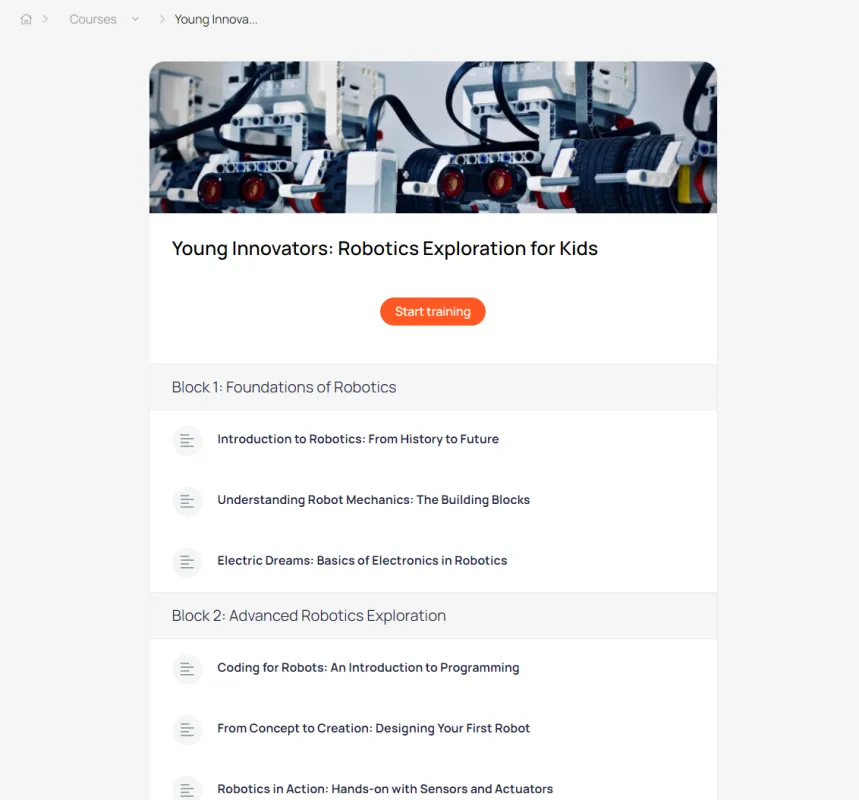
This is what the main page of the course looks like
Contains lessons divided into groups
Tools for working with courses
Export to Google Spreadsheets
Set up automatic download of information about product users
Promo codes
Set up discounts for product purchases. Customers enter a promo code during the checkout process and receive an instant discount. The promo code offer may be time-limited.
Product users
List of users who purchased this product
Embedding on a website
Embed a digital product sales button on your website, hosted on any platform
Flexible access settings
Customize visibility and access format to information based on your business needs.
Free access
The product is available to anyone with a link to it. The public course can be found through search engines.
Access for segment
The product is available only after successful registration in your personal account and only for a certain circle of people (segment)
Lead magnet
Content becomes available after completing a short registration form. Data is stored and entered into the CRM.
Paid product
Available after payment by card or any other method. Promo codes, special terms for specific user segments, and other features can be set up for this information product.
Use different payment formats
One-time payment
After payment by card, the user is automatically granted access to the paid digital product
Payment in installments
The administrator can split the invoice for a digital product into several parts and send the client a payment link.
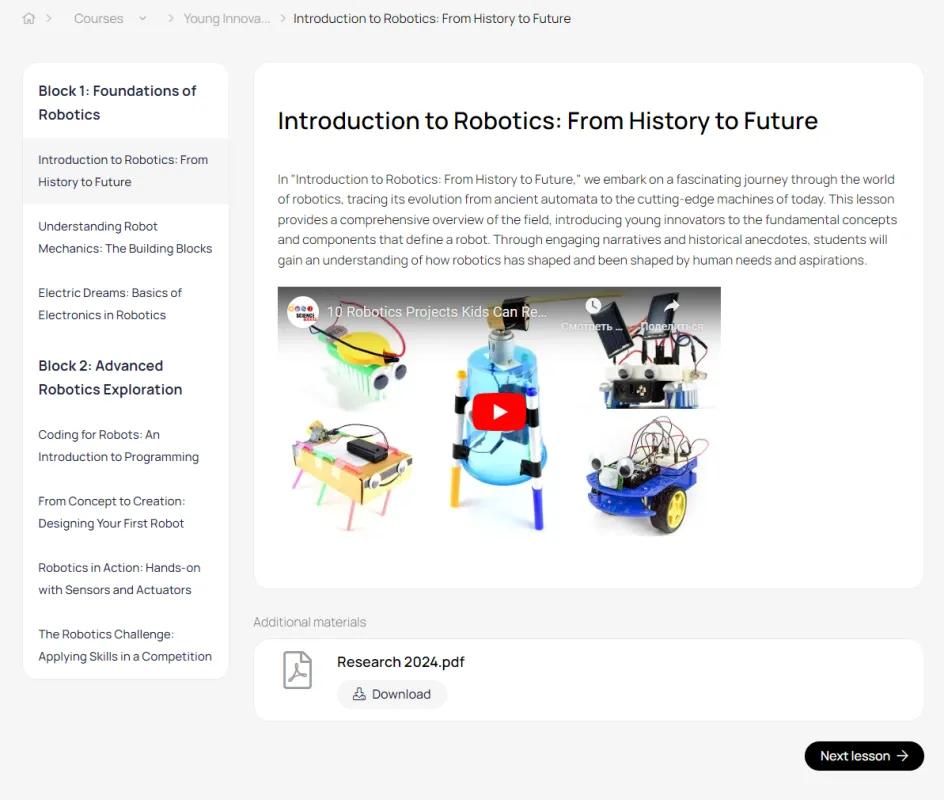
This is what the lesson page looks like
You can attach files to the lesson.
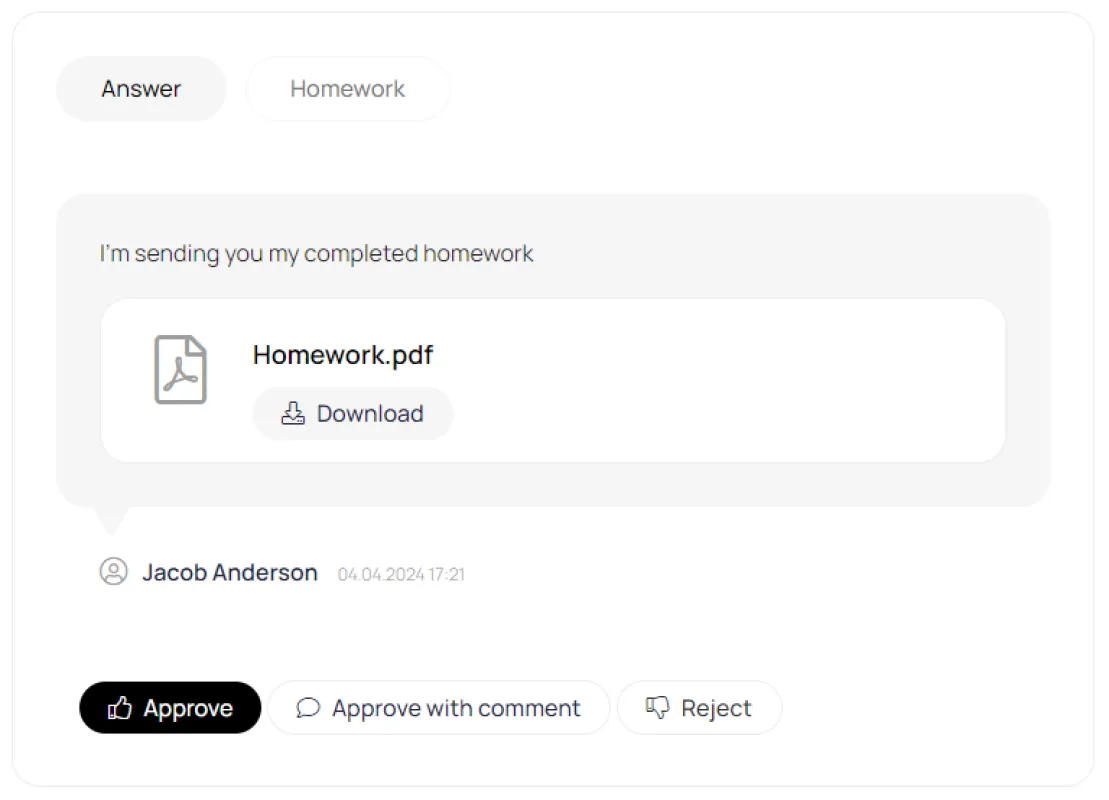
Checking homework
The teacher checks the homework and can give a Pass or Fail grade.
Tests
A block of test questions can be placed after any lesson of the course.
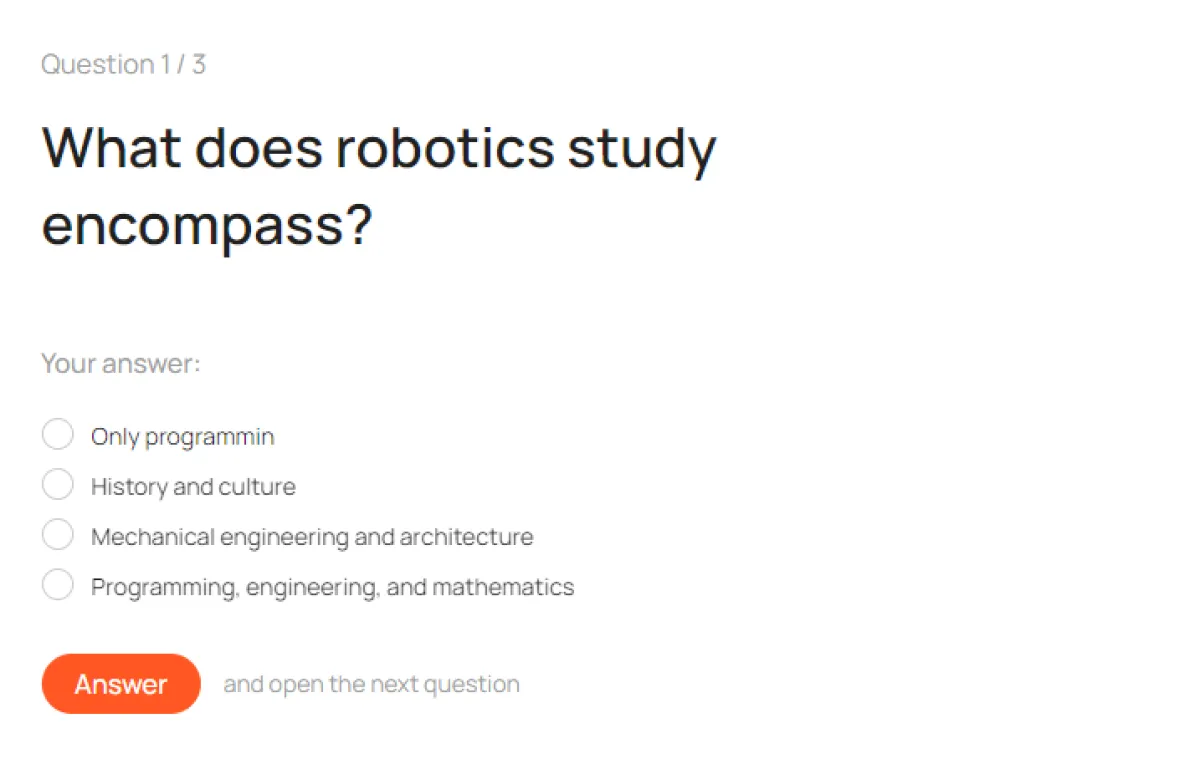
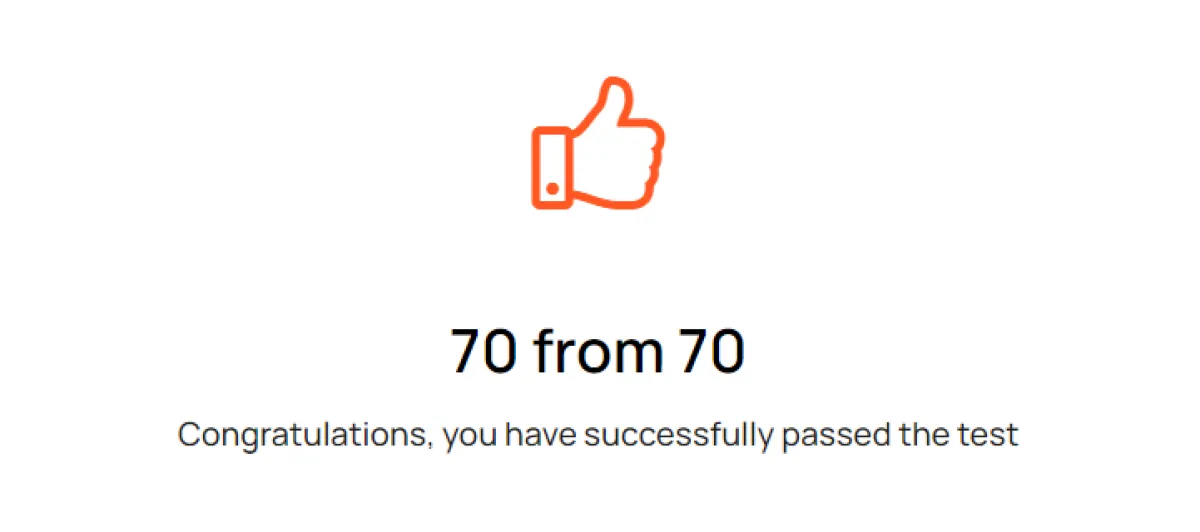
Test result
After successfully passing the test, the student gains access to the next lesson.
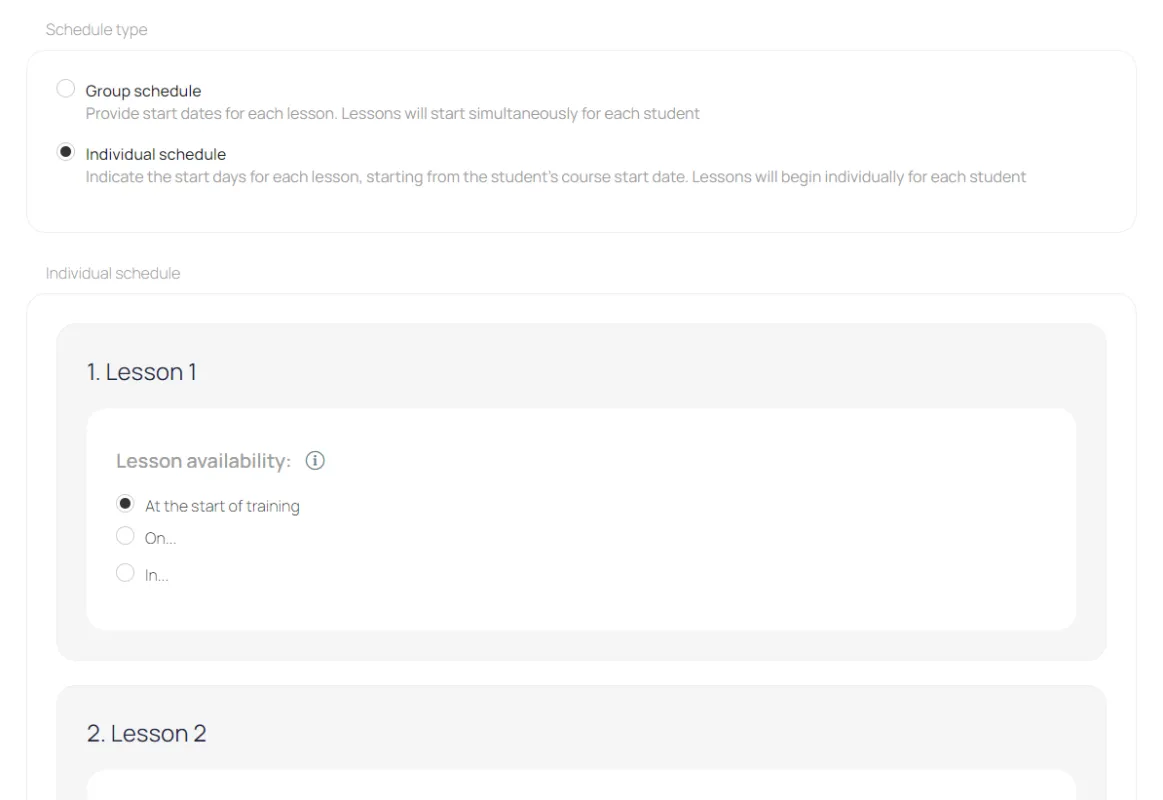
Class schedule
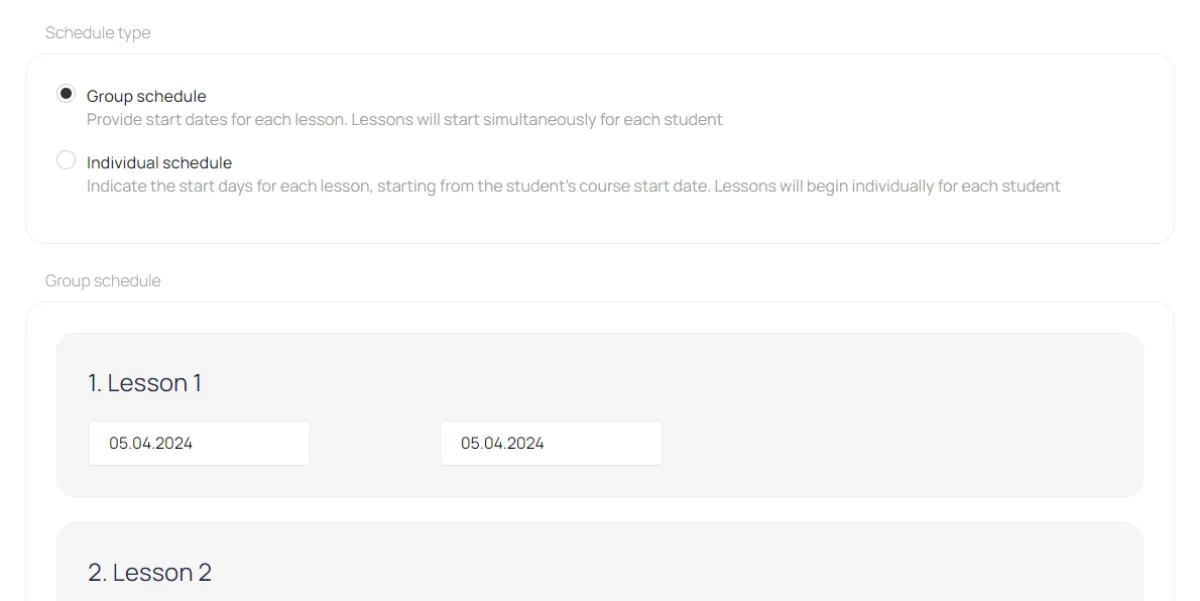
Individual and group schedules allow students to access lessons gradually
Group schedule
On the day of the lesson, the entire group receives an email with a link to the lesson.
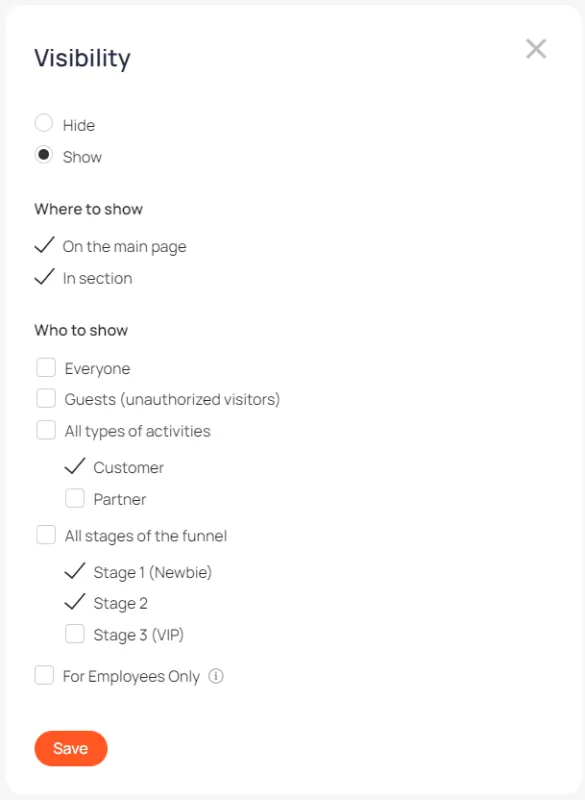
Visibility in the office
You can flexibly customize course visibility. Show different courses to different user segments.