Video
Publish videos with flexible visibility settings and the ability to set up paid access
Tool usage scenarios
Collect feedback from your customers
Place a comment feed under your video to collect feedback.
Get an additional source of income
Sell recordings of past events. Once paid, access to the video will be granted automatically to the user.
Reduce the burden on your support department
Post training videos so that users can learn the information themselves without having to contact support.
Use as part of onboarding
Place introductory videos about your company or product on your dashboard's main page. Your clients and partners will appreciate it.
Монетизация
Создавайте цифровые продукты на основе ваших видео
Экспорт в Google Spreadsheets
Настройте автоматическую выгрузку информации о пользователях продукта
Промо-коды
Настройте скидки на приобретение продукта. Покупатель вводит промо-код в процессе покупки и моментально получает скидку. Акция по промо-коду может быть ограничена по времени
Встраивание на сайт
Встройте кнопку продажи цифрового продукта на ваш сайт, размещенный на любой платформе
Пользователи продукта
Список пользователей, которые приобрели данный продукт
Flexible access settings
Customize visibility and access format to information based on your business needs.
Paid product
Available after payment by card or any other method. Promo codes, special terms for specific user segments, and other features can be set up for this information product.
Free access
The product is available to anyone with a link to it. The public course can be found through search engines.
Lead magnet
Content becomes available after completing a short registration form. Data is stored and entered into the CRM.
Access for segment
The product is available only after successful registration in your personal account and only for a certain circle of people (segment)
Use different payment formats to sell digital products
One-time payment
After payment by card, the user is automatically granted access to the paid digital product
Payment in installments
The administrator can split the invoice for a digital product into several parts and send the client a payment link.
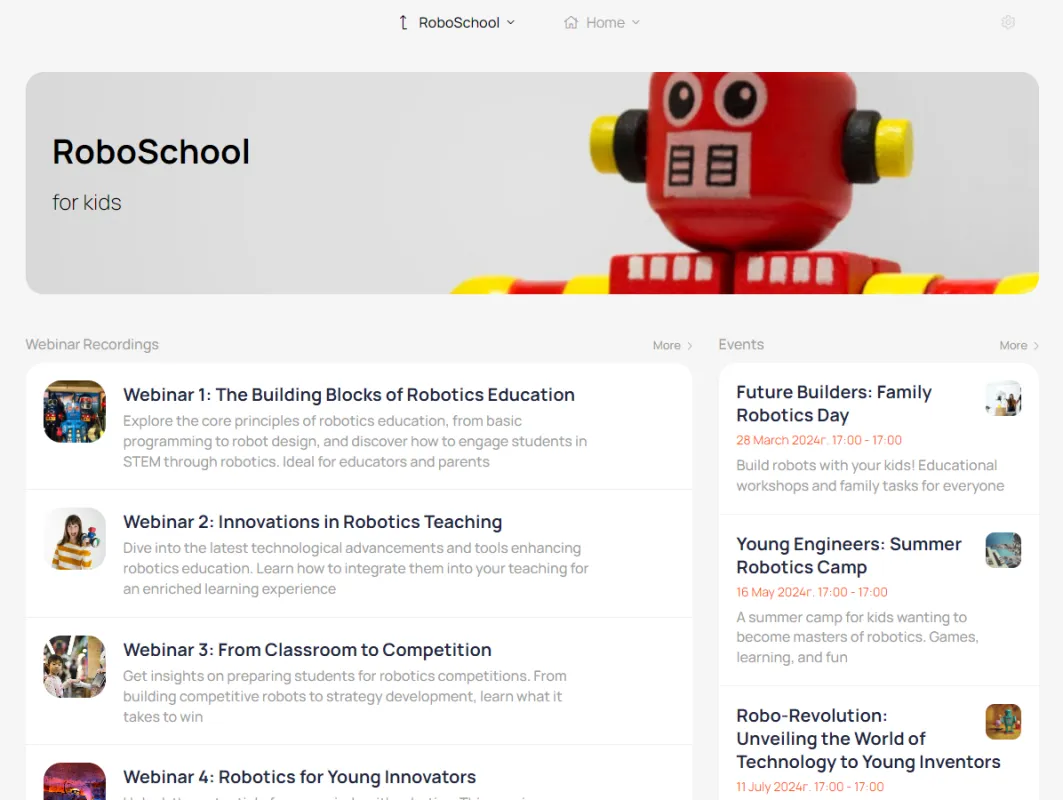
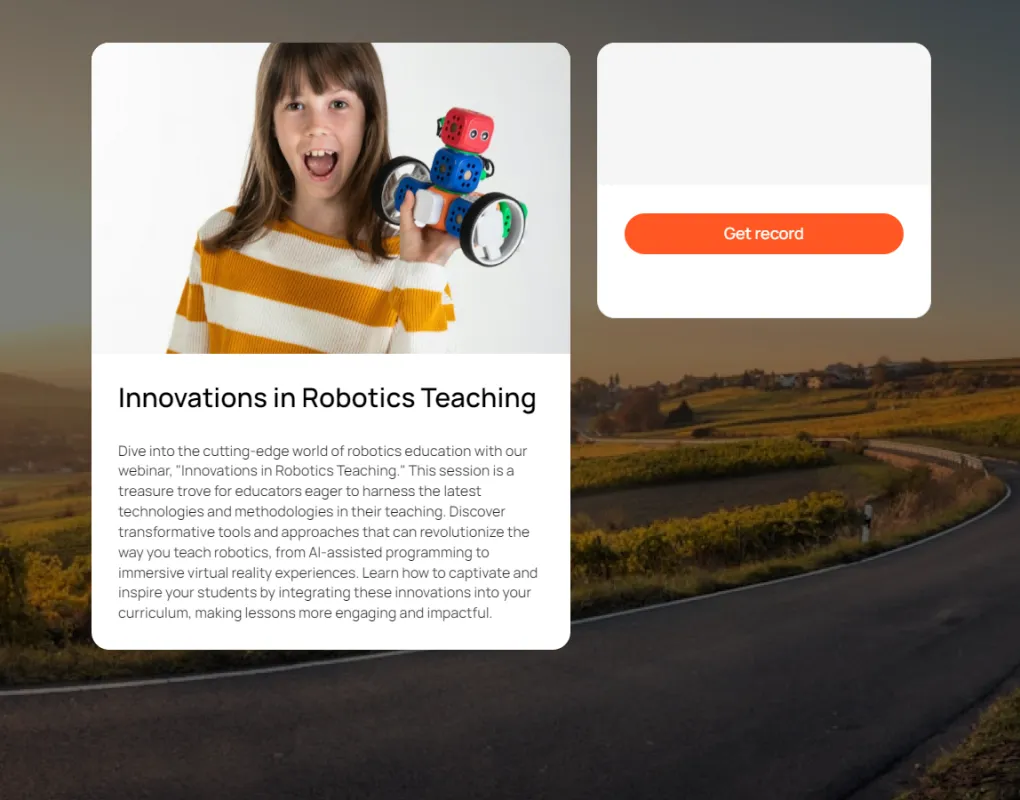
This is what the video list on the main dashboard looks like.
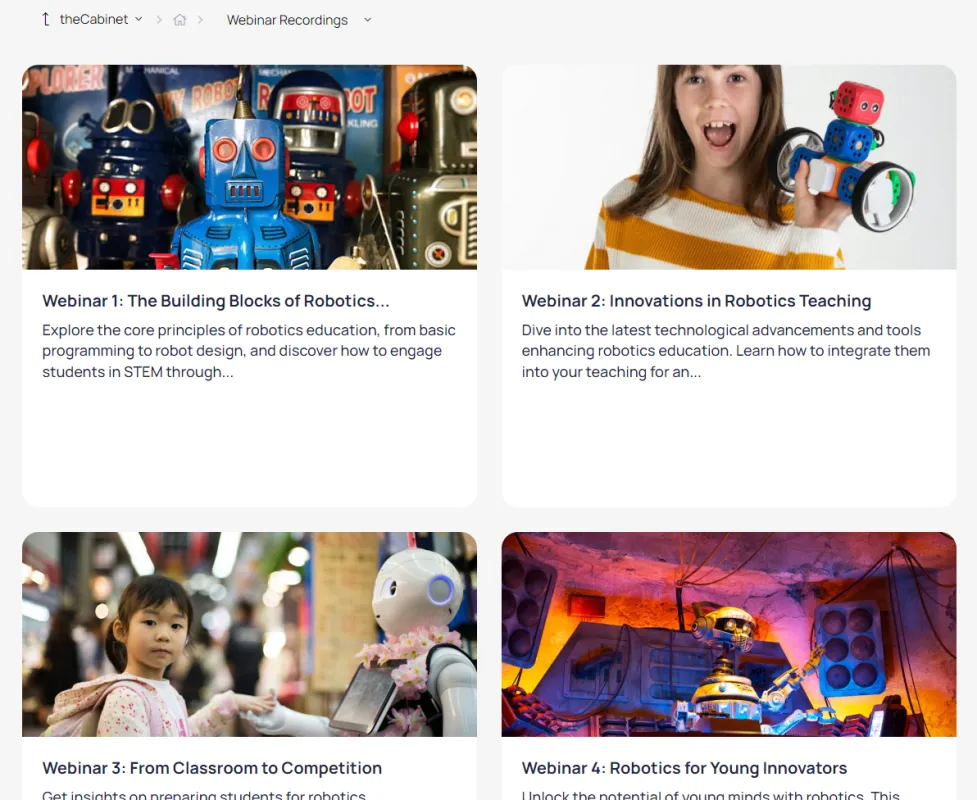
This is what videos look like in a separate section
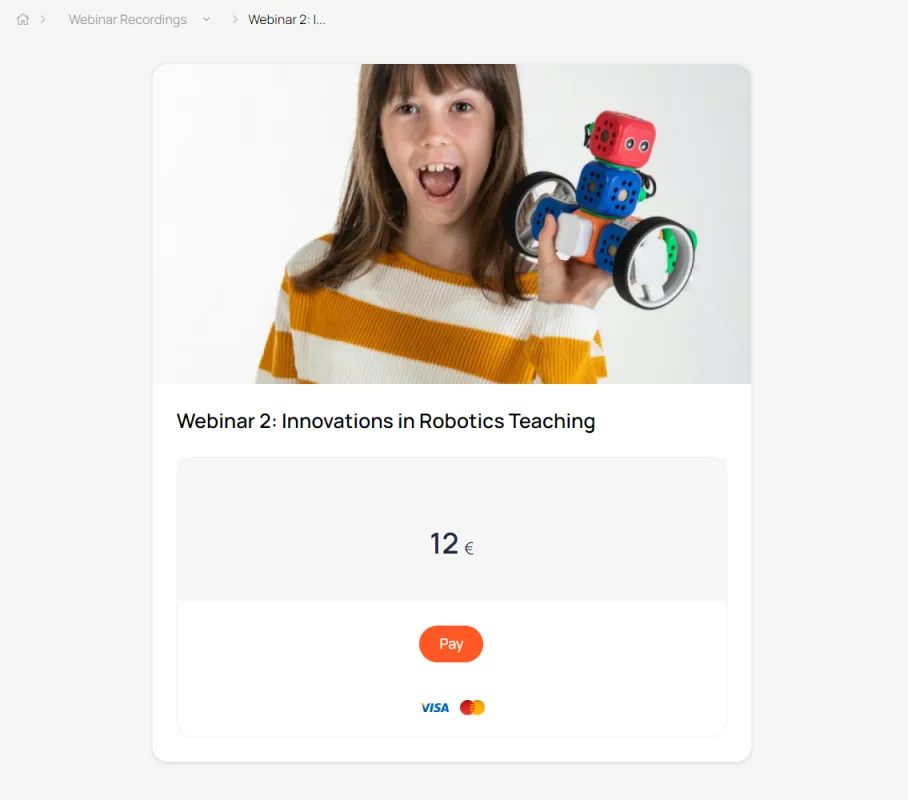
Example of a video with paid access
The video landing page is created automatically.
You just need to add a description and a picture
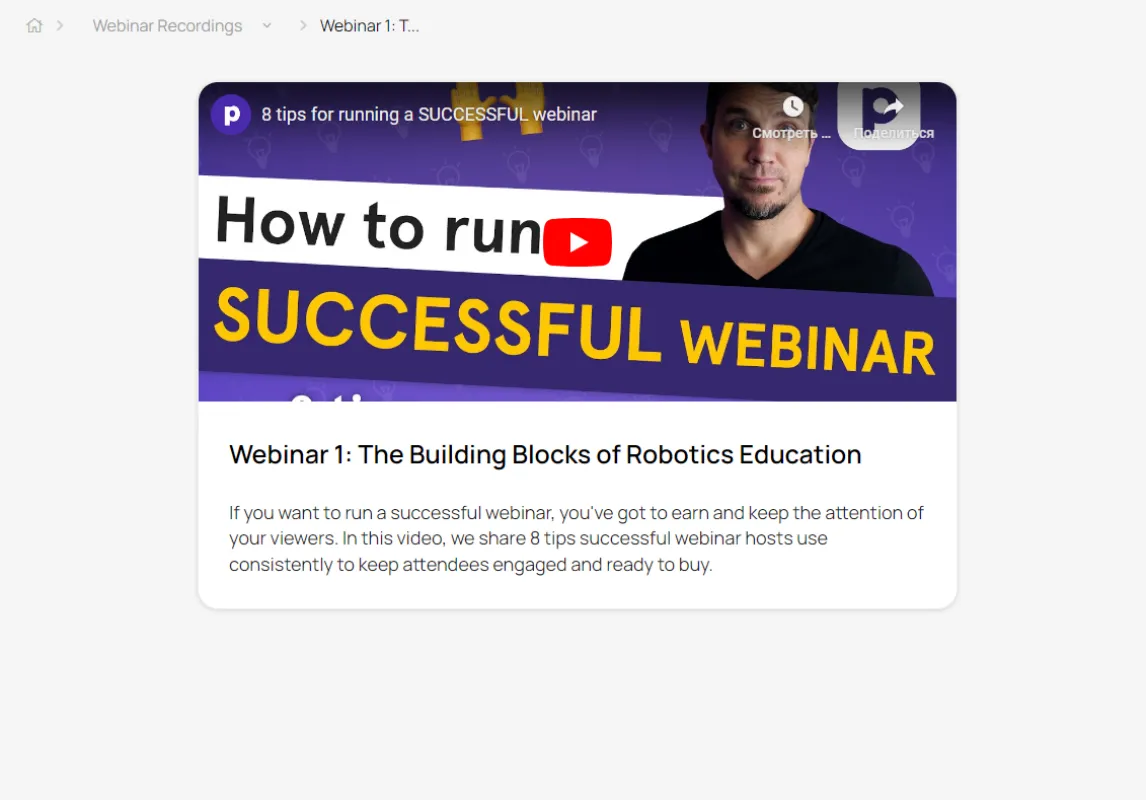
Video viewing page
You can watch the purchased video directly in your personal account.
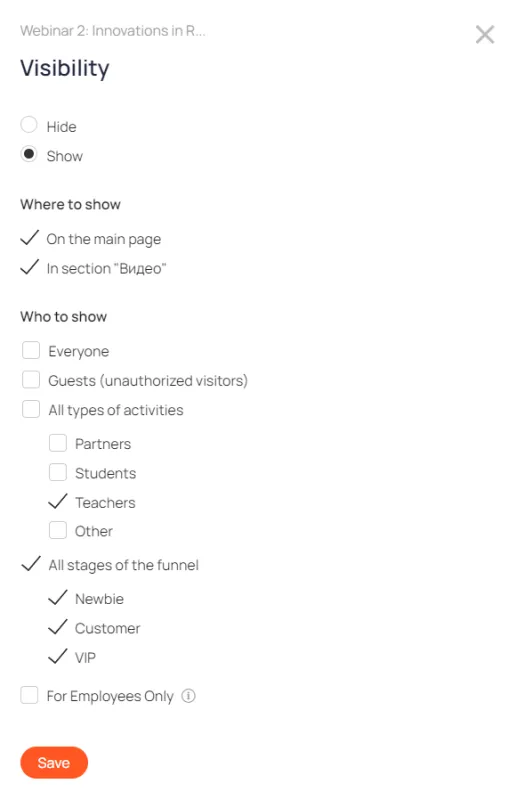
Flexible visibility settings
allows you to show videos to specific groups of users