Knowledge bases
A collection of articles and files with flexible structure and full-text search
Tool usage scenarios
Find answers to your questions quickly
All relevant information at your fingertips
Gain company experience to quickly onboard new employees
Beginners won't spend a lot of time trying to find information to work on in disparate documents.
Reduce the burden on your support team
In just a couple of clicks, a support operator will find a detailed answer to a customer's question in the knowledge base and send them a link
Tools for working with digital products
in paid access mode or access after registration
Export to Google Spreadsheets
Set up automatic download of information about product users
Promo codes
Set up discounts for product purchases. Customers enter a promo code during the checkout process and receive an instant discount. The promo code offer may be time-limited.
Embedding on a website
Embed a digital product sales button on your website, hosted on any platform
Product users
List of users who purchased this product
Flexible access settings
Customize visibility and access format to information based on your business needs.
Paid product
Available after payment by card or any other method. Promo codes, special terms for specific user segments, and other features can be set up for this information product.
Free access
The product is available to anyone with a link to it. The public course can be found through search engines.
Lead magnet
Content becomes available after completing a short registration form. Data is stored and entered into the CRM.
Access for segment
The product is available only after successful registration in your personal account and only for a certain circle of people (segment)
Use different payment formats to sell digital products
One-time payment
After payment by card, the user is automatically granted access to the paid digital product
Payment in installments
The administrator can split the invoice for a digital product into several parts and send the client a payment link.
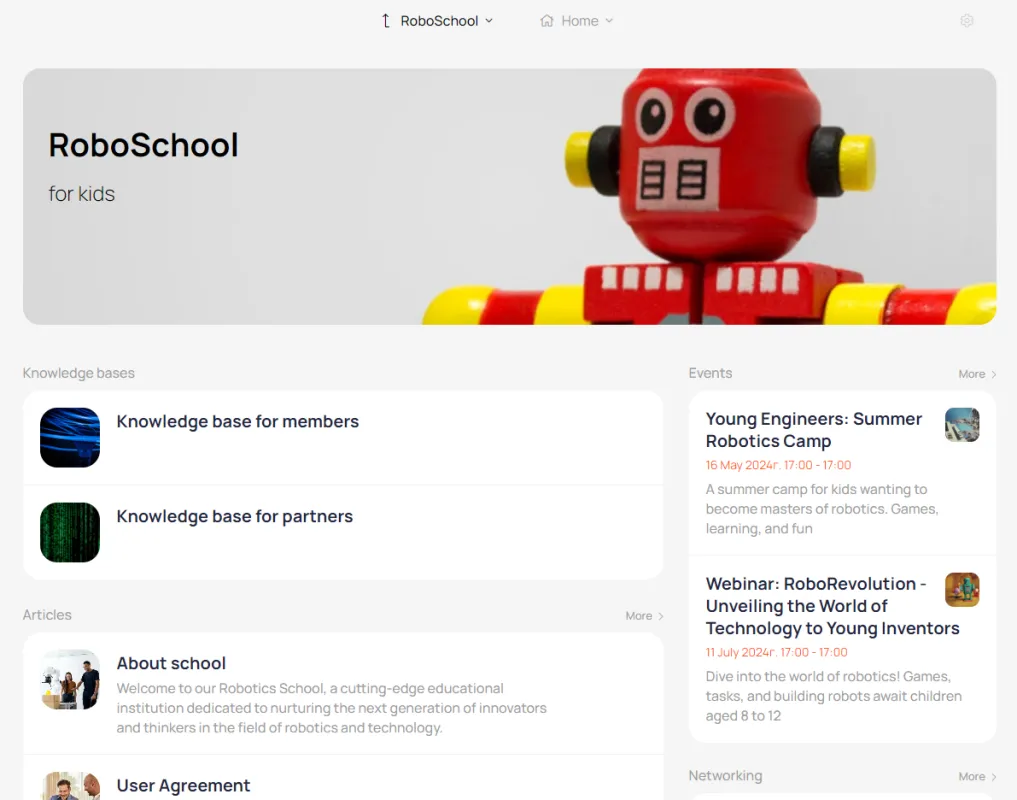
This is what the list of knowledge bases looks like on the main page of the account
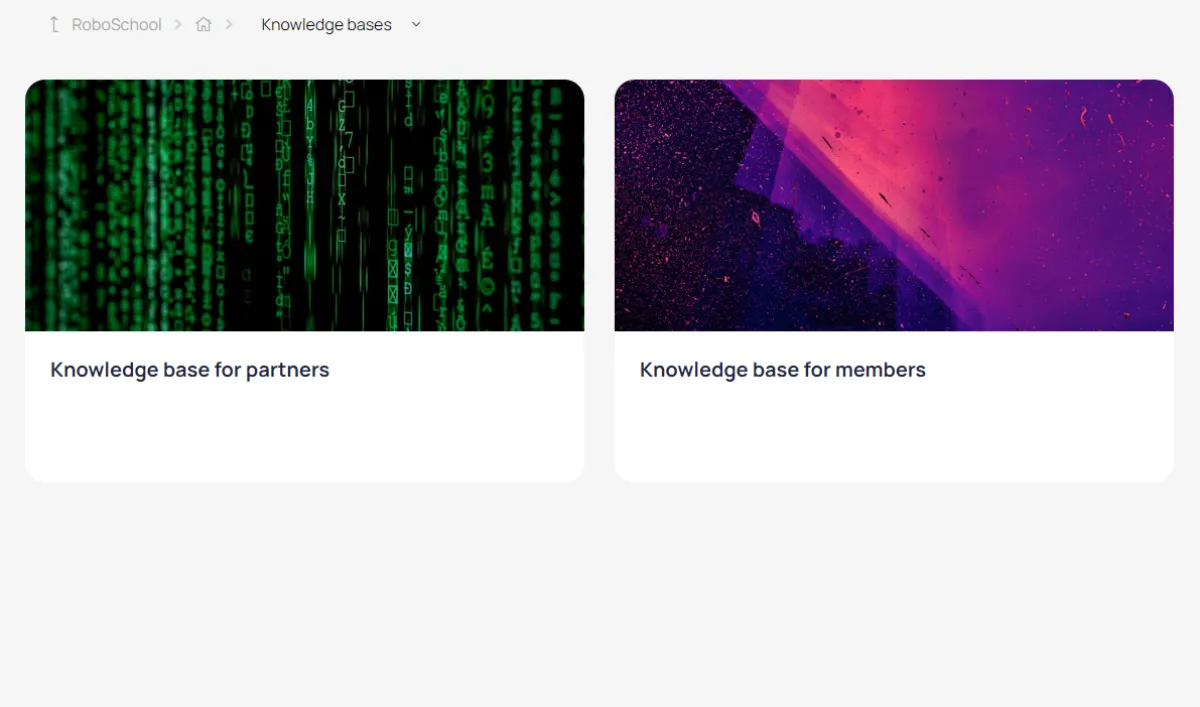
Knowledge bases can be placed in a separate section of the account
This is what the main page of the knowledge base looks like
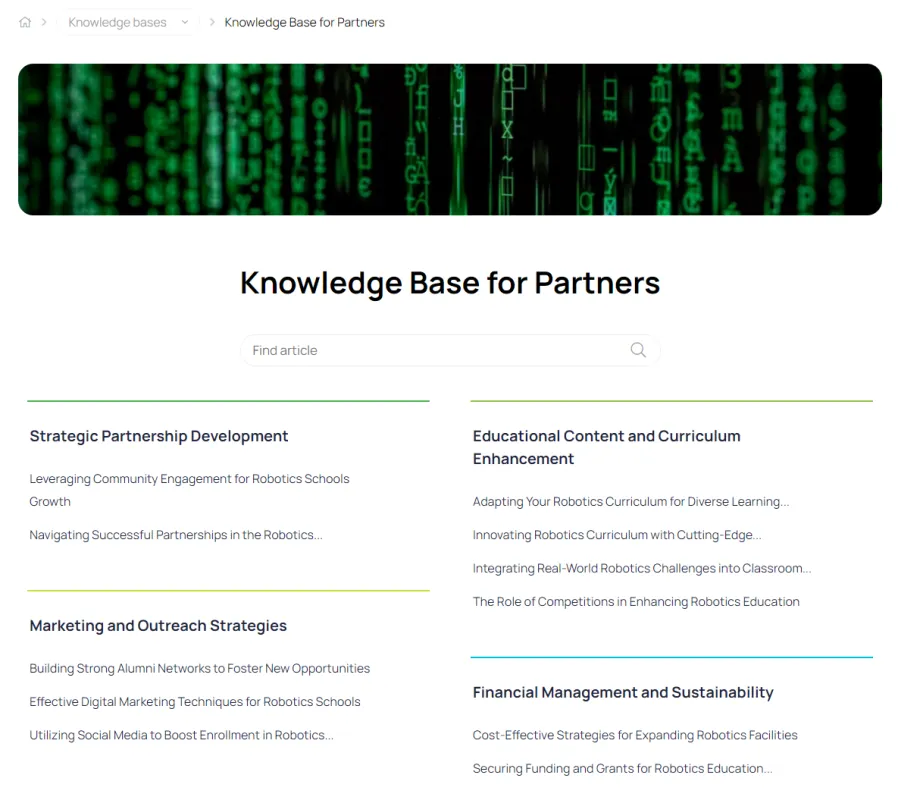
This is what the topic page looks like

You can attach files to articles.
For knowledge bases with paid access, a landing page is automatically created
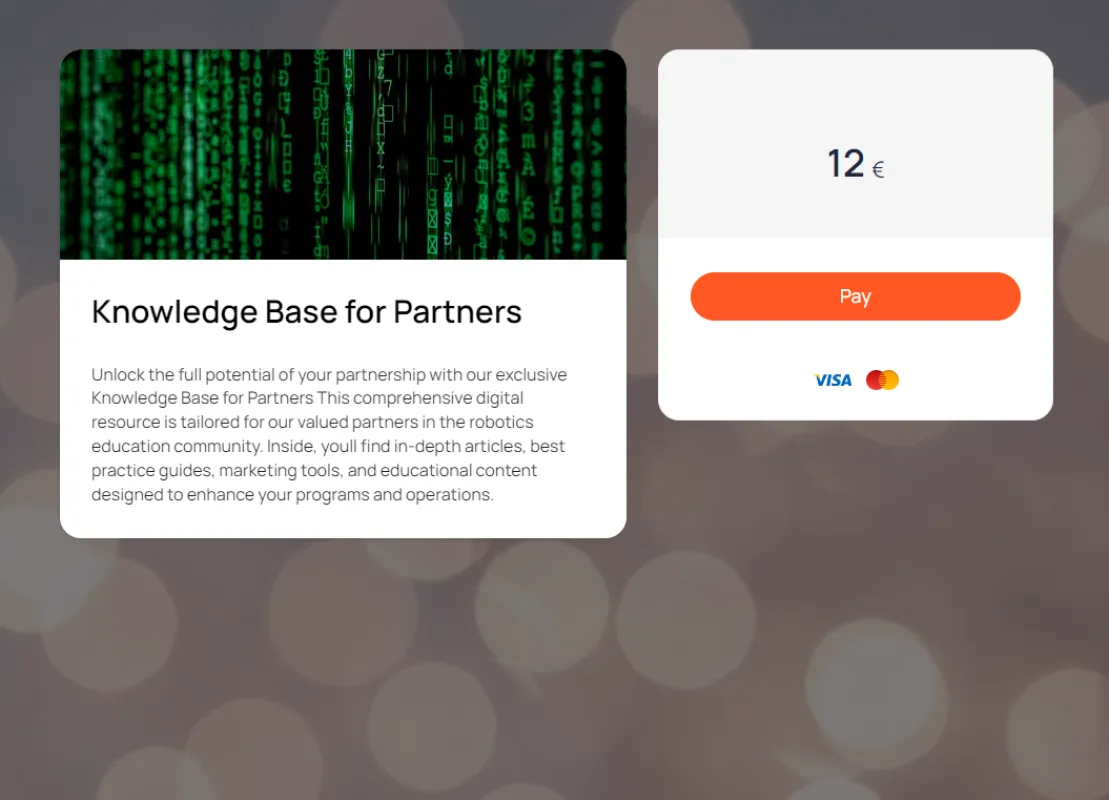
This is an example of a knowledge base landing page with access after registration.

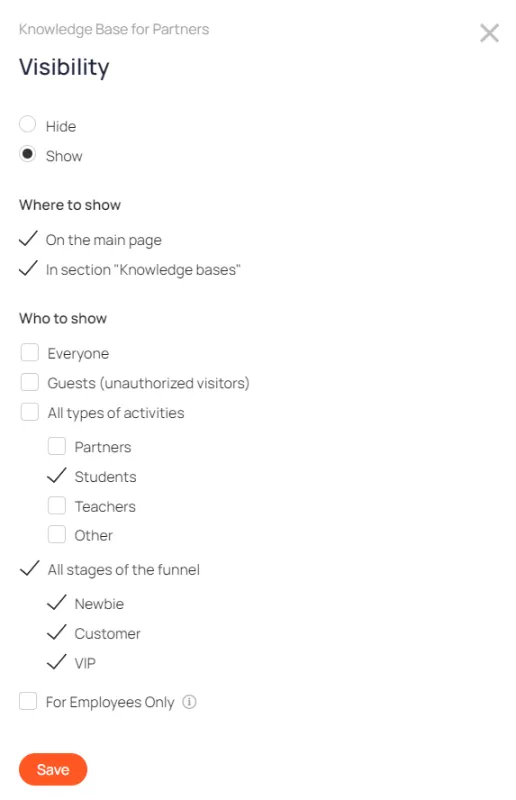
Flexible visibility settings
The knowledge base can be accessible to everyone or only to a certain portion of the account users.