Student's office
Blended education combines traditional in-person classes with interactive online learning, offering flexibility and personalization. Our platform allows students to study at their own pace, receive instant feedback, and utilize digital tools to enhance engagement and learning.
Who will benefit from it?
Schools
with full-time and distance learning
Experts
trainers, tutors, consultants, infobusinessmen
Companies
for onboarding, training, and motivating staff
Why choose theCabinet
Flexibility in delivering educational content
Courses, knowledge bases, news, events, downloadable files, requests for personal consultations, etc.
Responsive support
We respond within 30 minutes, and on weekends within 3 hours.
Powerful lesson builder
Add files, videos, and presentations to lessons. Create meaningful blocks.
Ease of use
We have developed an intuitive and simple interface that you can easily get used to in a minimum amount of time.
Tight integration with the main site
The account can work on a subdomain of your website. This means your students will perceive the personal account as a section of your website.
Create training materials from files of various formats
chart
image
ppoint
video
audio
word
Excel
Tools for organizing the educational process
School schedule
Table for distributing study groups among classrooms
Teachers' salaries
A tool for automatic calculation of teachers' salaries
Audiences
A list of classrooms with the number of seats. This is used when creating the school schedule.
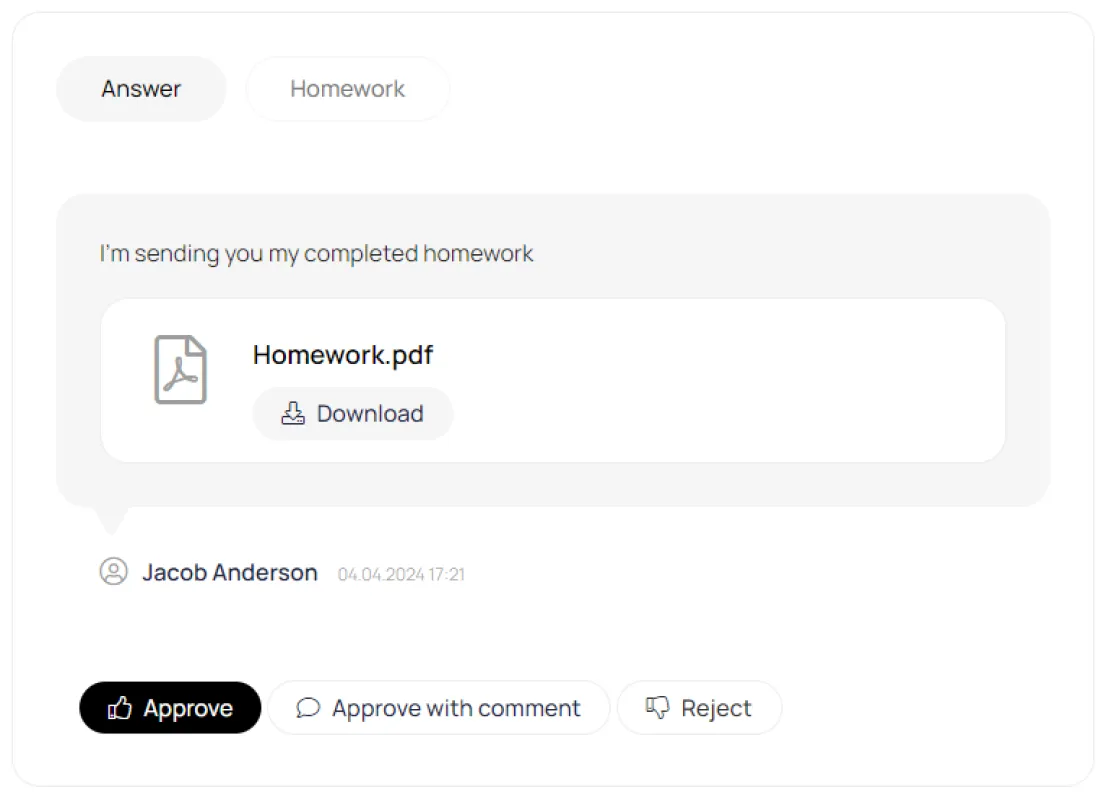
Homework
Homework, stop-lessons, group and individual schedules, convenient text editor
Attendance
The manager can track who attended the lesson and who skipped. After attendance is marked, the teacher can be automatically paid for the lesson.
Teacher's room
This section allows teachers to access their courses. It also displays the number of ungraded homework assignments and the amount of tuition the teacher has earned for completed lessons.
Effective interaction
The platform provides interaction between administrators, teachers and students
Administrators
Teachers
Students
Tools
Experiment with content
Combine content from different formats to create your educational product
News
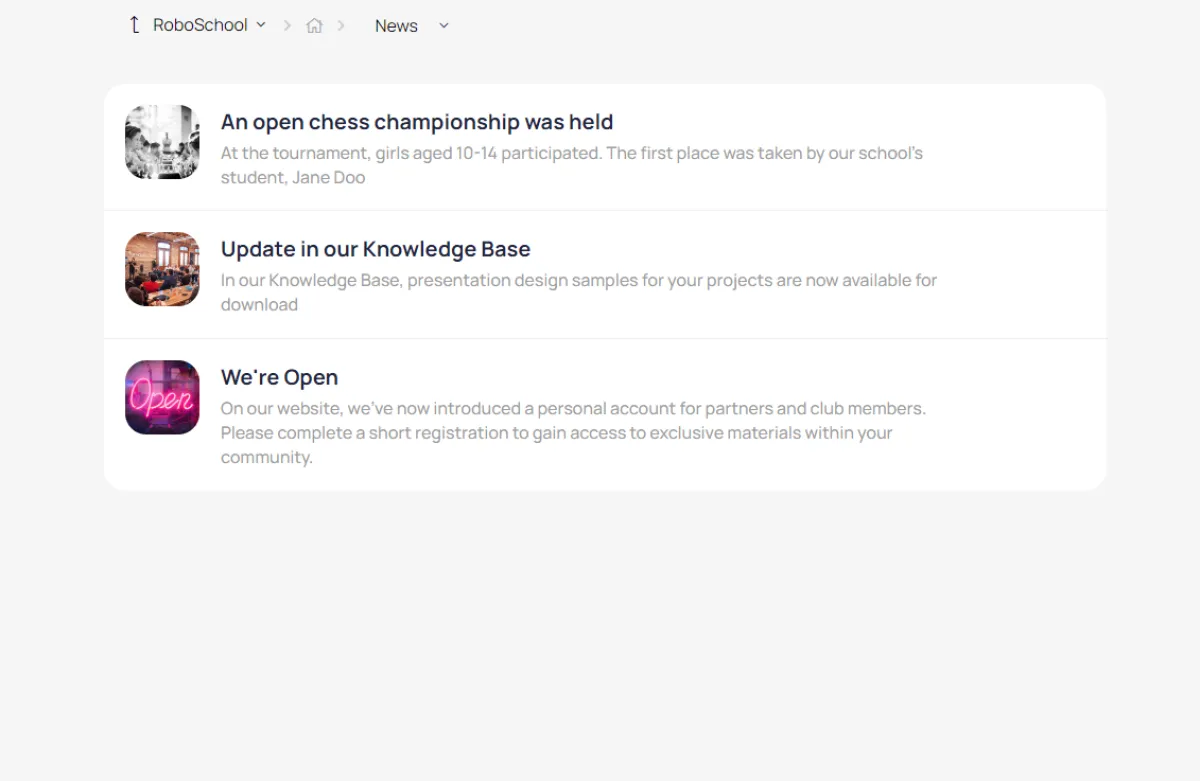
News feed on the main page of the account, quick newsletter distribution to the client base
Events
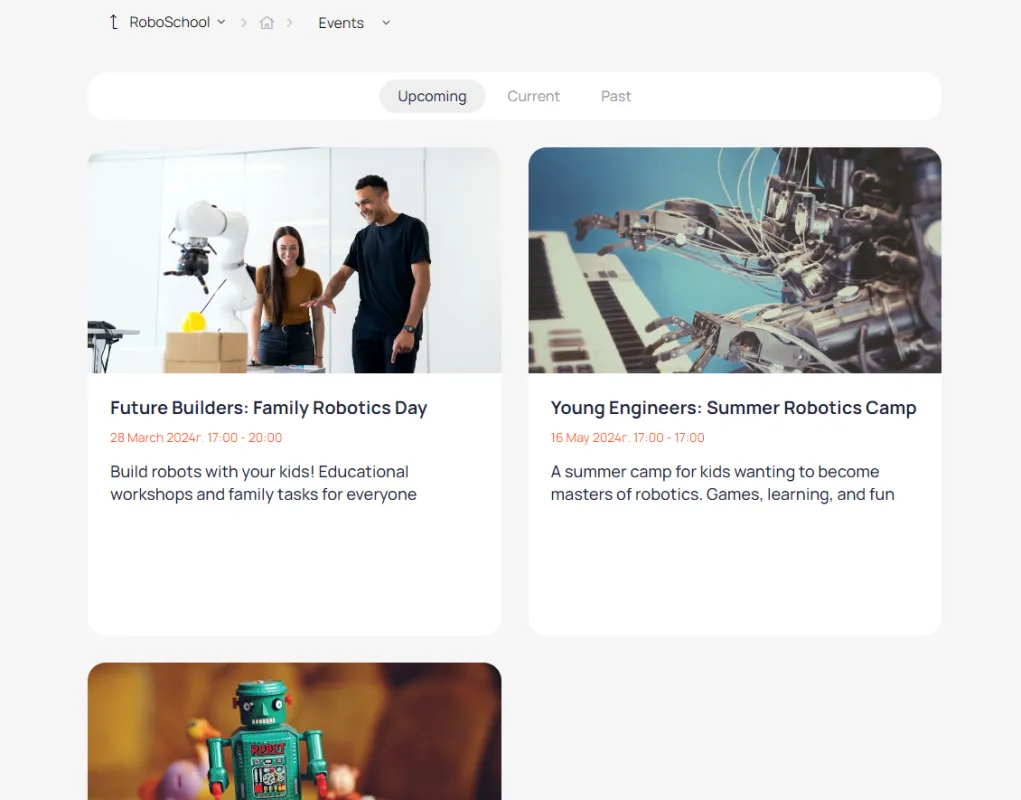
Webinar and offline event announcements, invitation distribution, registration and payment lists
Files
Publish files for download with flexible visibility settings and the ability to set up paid access
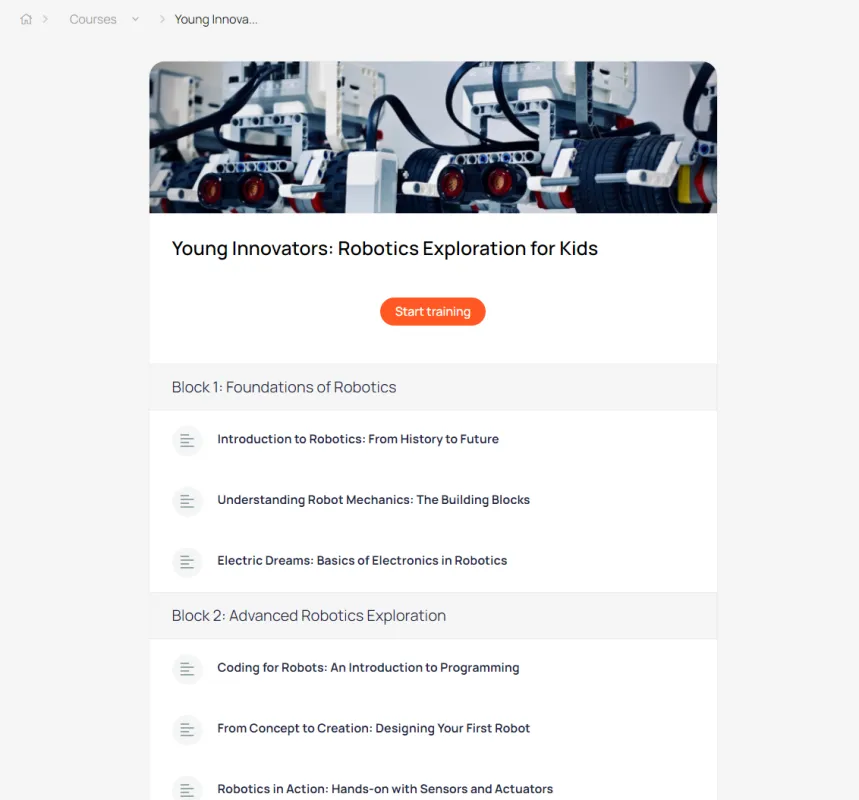
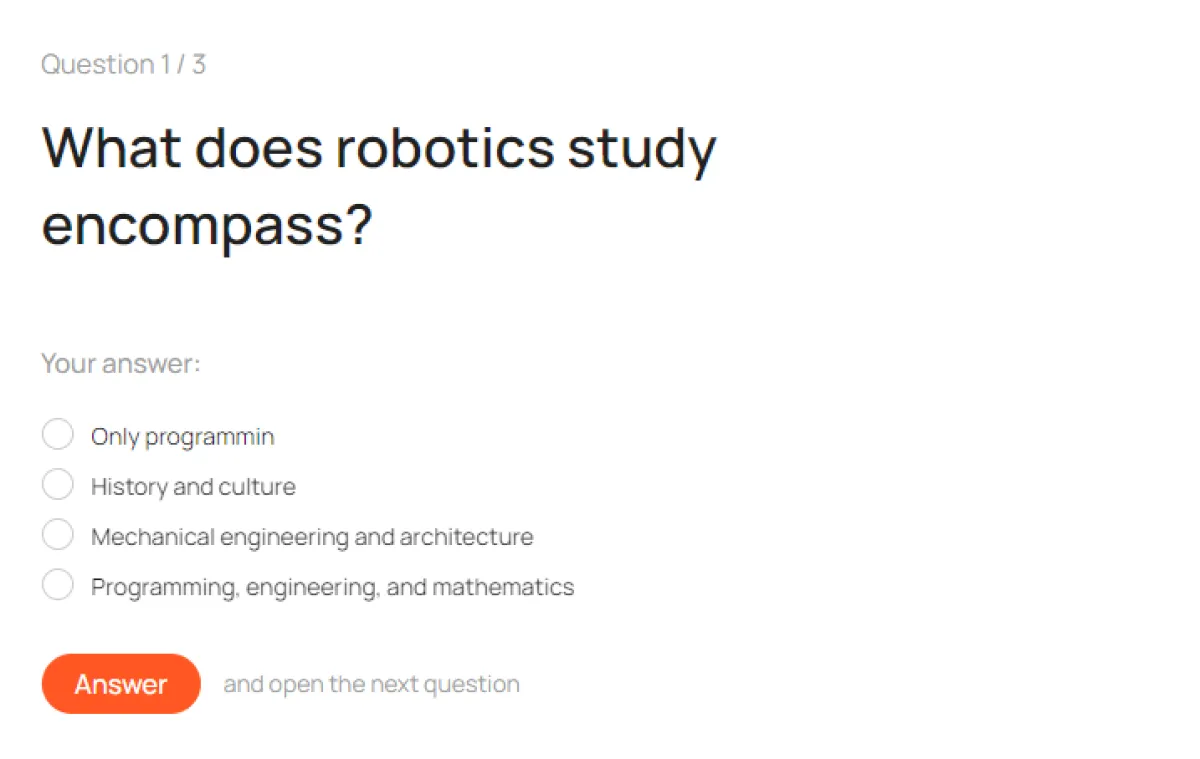
Courses
Homework, stop-lessons, group and individual schedules, convenient text editor
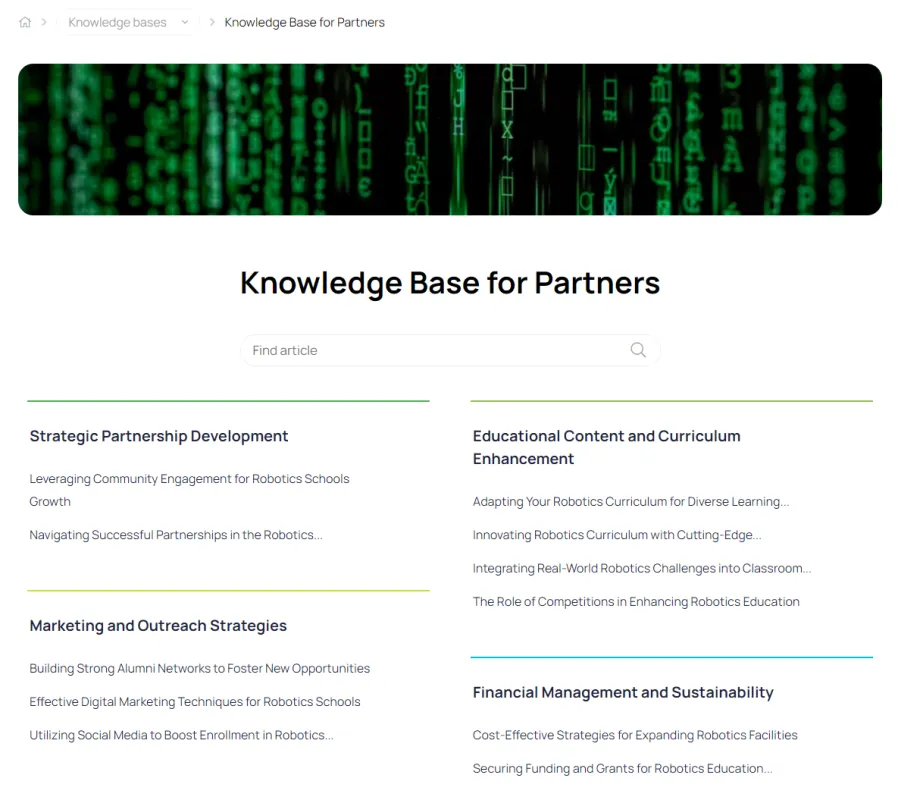
Knowledge bases
A collection of articles and files with flexible structure and full-text search
Video
Publish videos with flexible visibility settings and the ability to set up paid access
Monetization
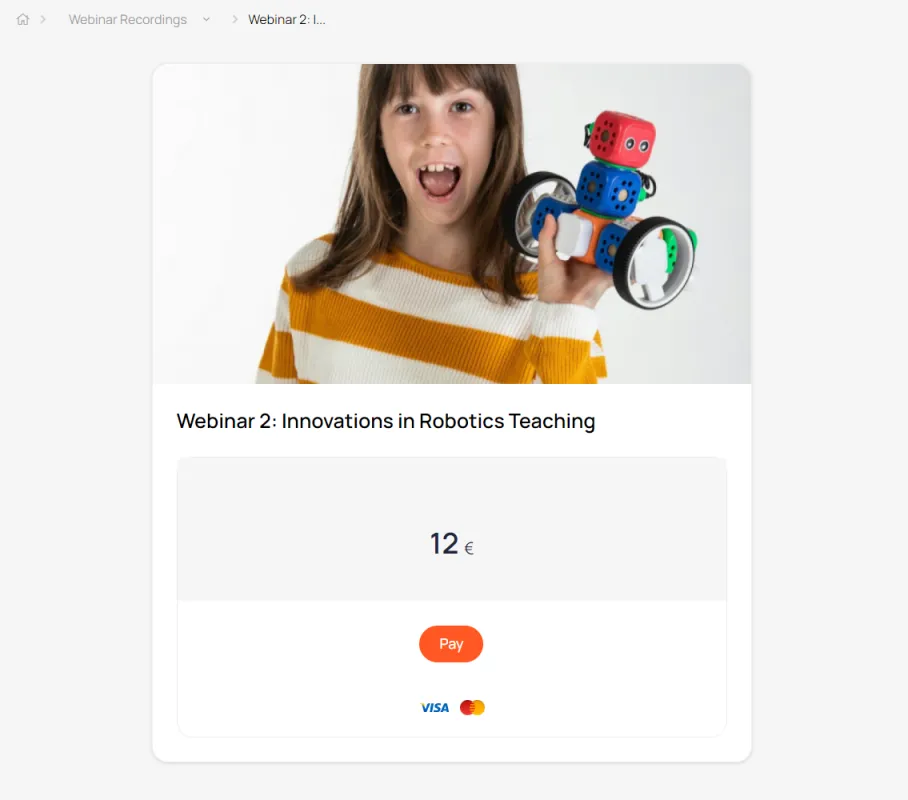
Use different payment formats to sell digital products
After payment, the user automatically gains access to the product. All customer data is automatically entered into the CRM.
Tariff plans
A tool for organizing pricing plans for your product
One-time payment
After payment by card, the user is automatically granted access to the paid digital product
Payment in installments
The administrator can split the invoice for a digital product into several parts and send the client a payment link.
Regular payments
When purchasing a product for the first time, the user links their payment card. The platform then automatically debits the specified amount after a set period of time.
CRM
Integration with CRM
All data about clients and their orders is automatically transferred to the built-in CRM
Documents
A repository for files and records related to clients and transactions. Documents can be published in the user's personal account.
Contacts
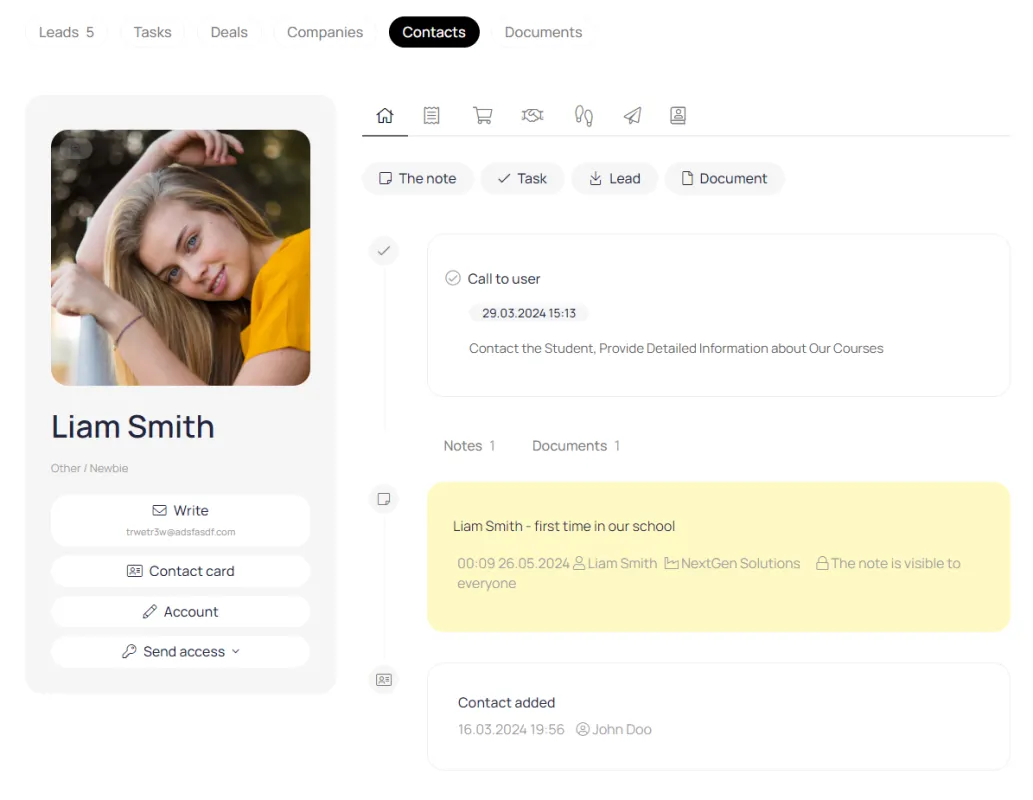
The contact card automatically collects information about purchases, requests via forms, correspondence history, and current tasks.
Transactions
The deal includes all information related to the process of selling support and recruiting, from the initial contact to the completion of the business process.
Funnels
A tool for tracking and managing customer interactions at all stages. It visualizes the customer journey from initial contact to completion of the transaction and adapts to various types of interactions.
Monetization
Digital products
Increase your income by selling digital products in various formats
Tariff plans
A tool for organizing pricing plans for your product
Events
Webinar and offline event announcements, invitation distribution, registration and payment lists
Files
Publish files for download with flexible visibility settings and the ability to set up paid access
Courses
Homework, stop-lessons, group and individual schedules, convenient text editor
Knowledge bases
A collection of articles and files with flexible structure and full-text search
Video
Publish videos with flexible visibility settings and the ability to set up paid access
Lead generation
Efficient handling of incoming requests
A set of tools for managing incoming requests
Forms
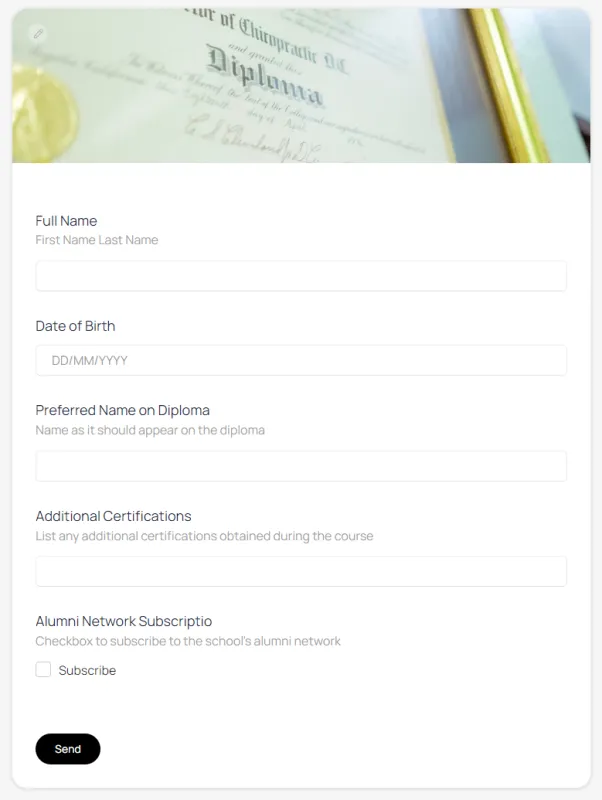
Collecting user data and entering it into the CRM. Forms can be published in the dashboard and on the company's main website.
Lead magnets
A tool for collecting contact information from potential clients. It can be implemented using several tools (article, course, video, knowledge base, event). Simply enable access after registration and configure the registration form.
Application processing module
This module collects all applications sent through forms.
Gamification
Motivation, loyalty and retention
Loyalty program, user account, checkpoints, badges
Personal counters
A universal tool for displaying a user's personal balance in their account
Badge
A badge is a distinctive symbol (status, rank, etc.) that a user sees under their name in their personal account.
Payment with bonuses
You can pay for a course, knowledge base, file, event, or membership in a subscription club with bonuses.
Onboarding
Taking care of customers at the initial stage
Reduce the number of identical questions from newcomers and protect them from information overload.
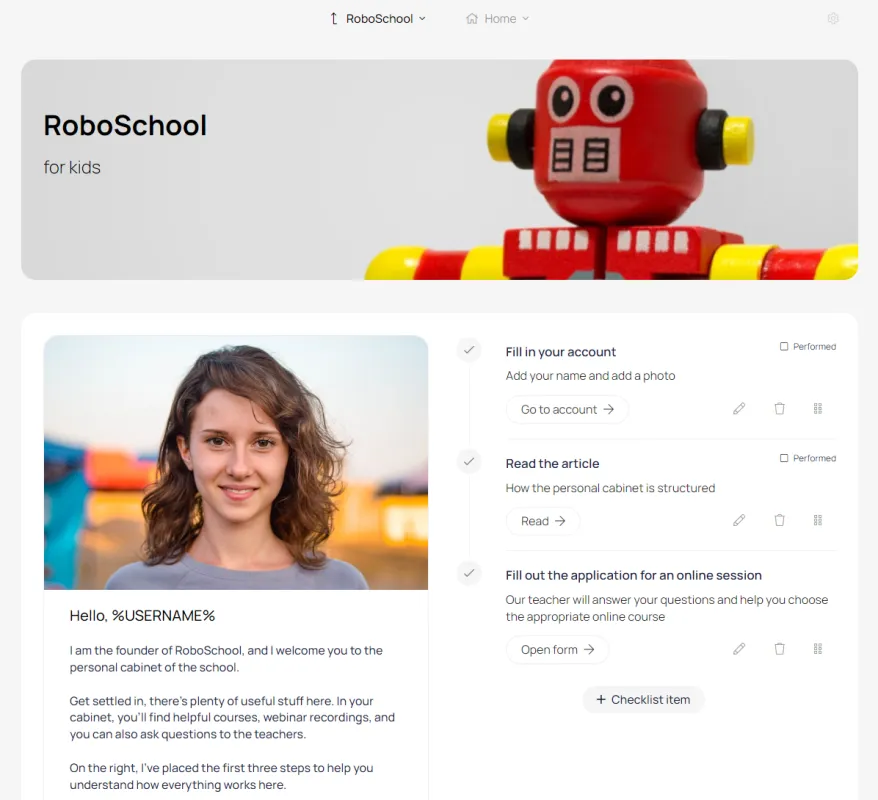
Welcome block
Displayed upon first visit to the account. After reading, it can be hidden by the user.
Starting checklist
A list of items with a completion mark recorded in the CRM on the contact card
Email chains
A set of pre-prepared emails sent to the user automatically after a certain period of time
Statistics
Monitoring key business indicators
Subscription statistics
The administrator controls the number of subscribers, subscription status, and the presence of a linked card.
Learning progress
The administrator and teacher can control which lesson a student is on, as well as how many students have reached a particular lesson.
Product sales statistics
The administrator has access to sales information for each digital product, including total sales, number of buyers, purchases using promo codes, and payment status.
Registration statistics
A report that shows the number of new users for each user segment
Design
Customization
Your website and personal account will work as one.
Favicon
A website or page icon. Appears in the browser tab before the page title.
Logo
Placed on the login page, on the registration page and in the HERO block on the main page of the account
Own domain
The platform can run on any domain or subdomain, working seamlessly with your website.
Colors
Design your account in the colors of your main website to create a unified information space