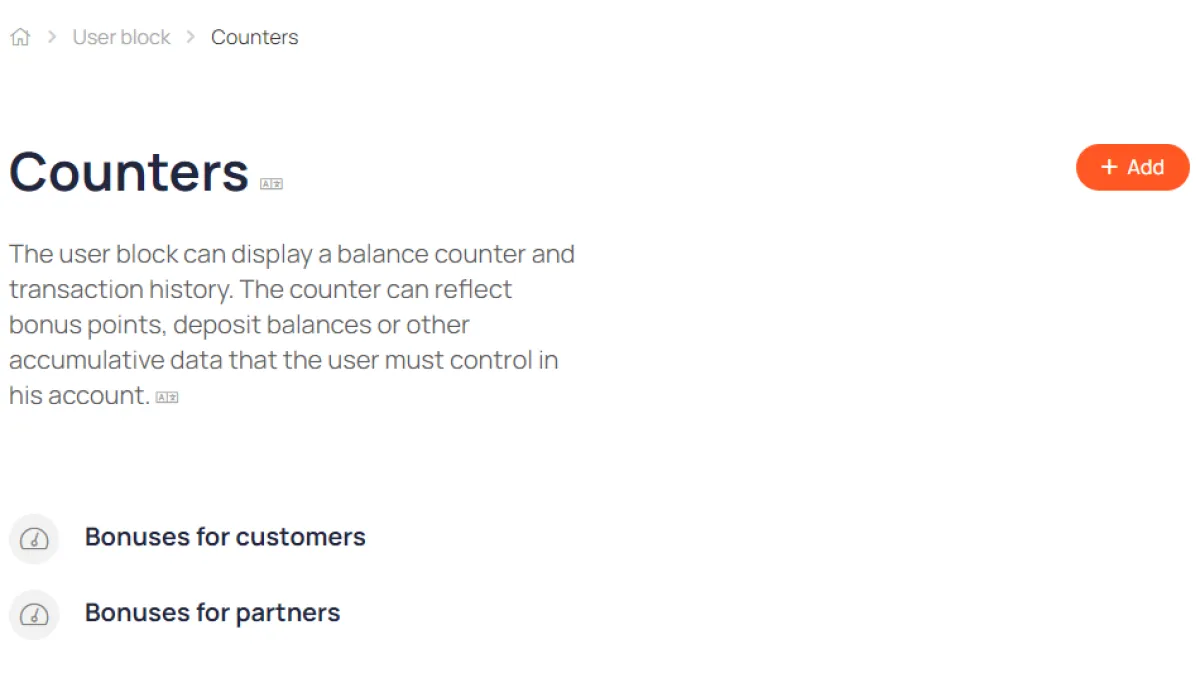
Counters
A universal tool for displaying a user's personal balance in their account
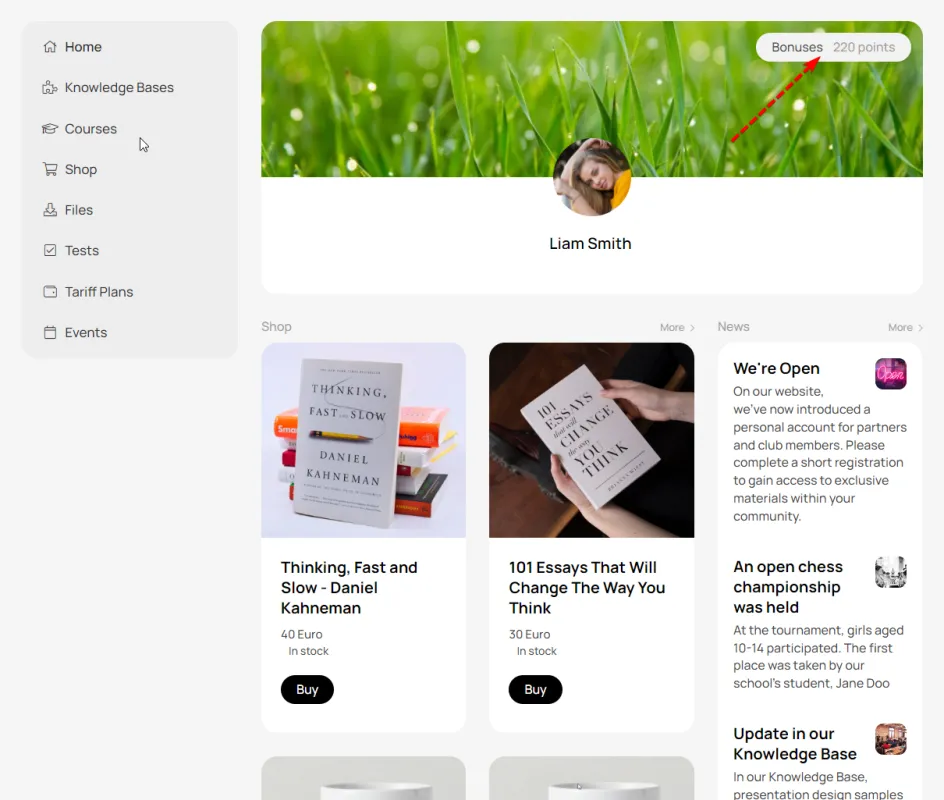
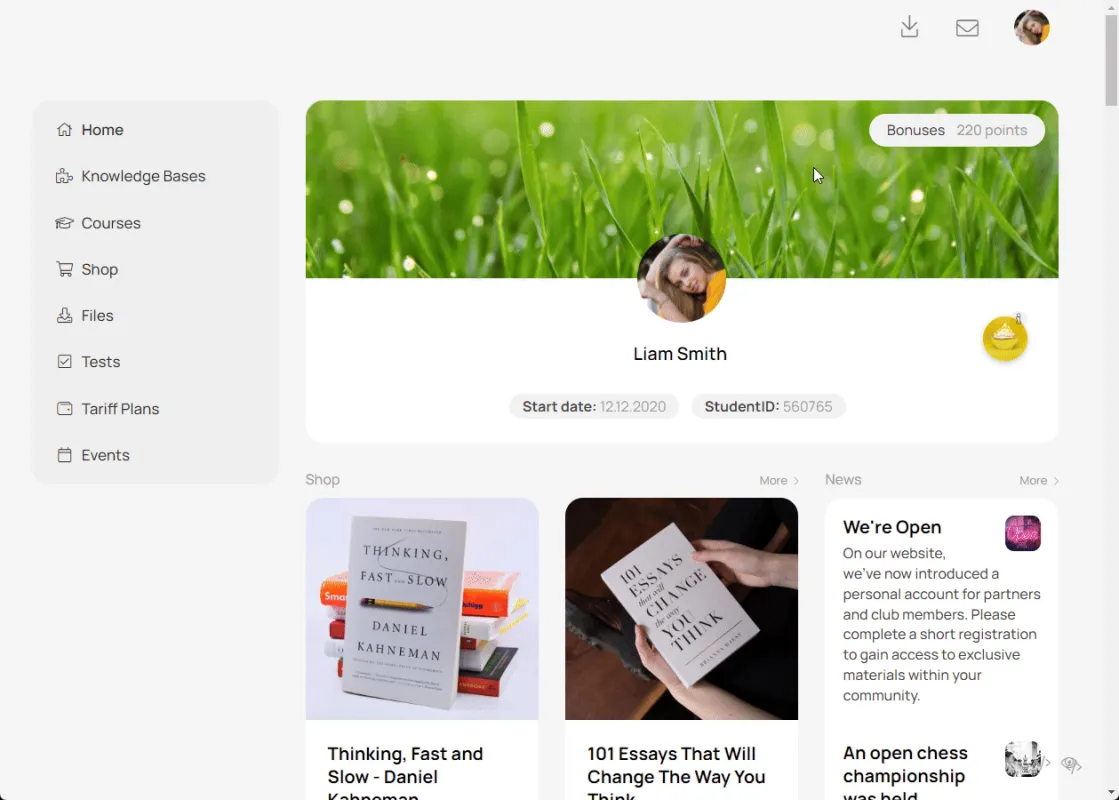
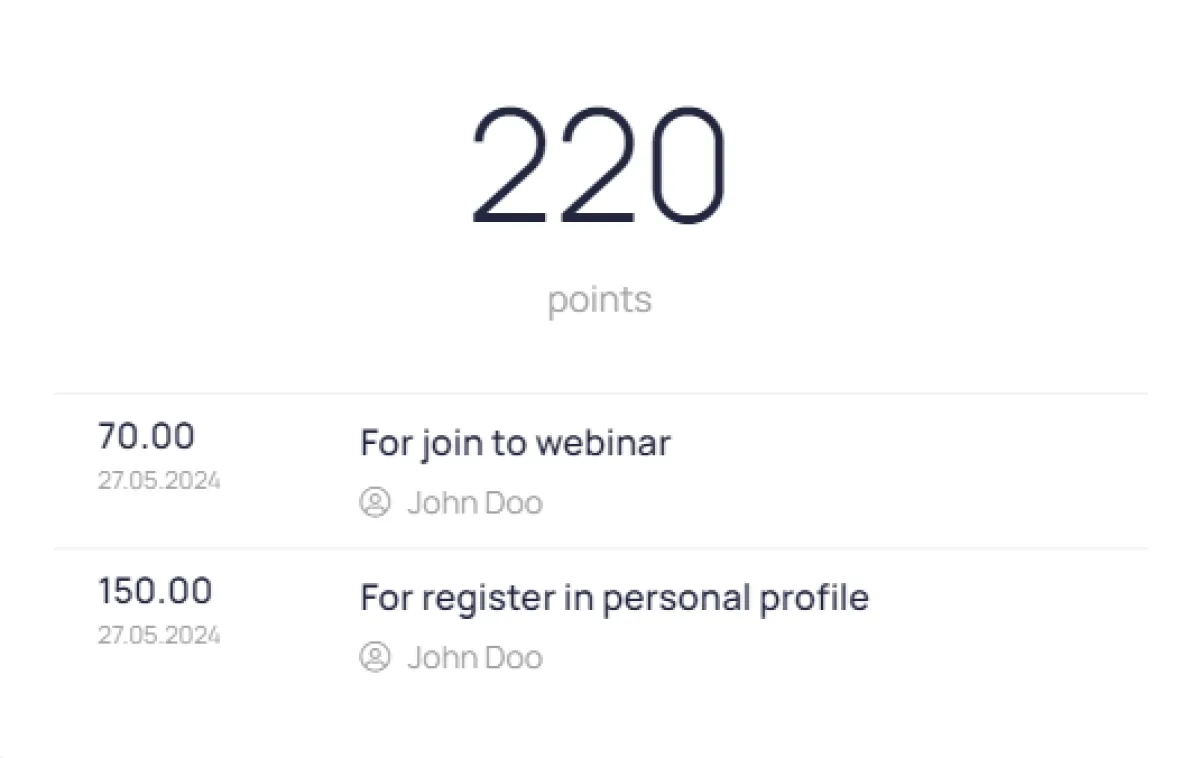
The counter is accessible to users at the top of the main page of their personal account. Clicking on the counter opens the balance history, where you can see how points were earned or debited. The counter can be in any unit of measurement—bonuses, points, euros, dollars, etc.
Tool usage scenarios
Shop
Shoppers track bonuses, cashback, and deposits to use toward future purchases, which motivates them to make additional purchases.
Loyalty programs
Participants can see the balance of accumulated bonus points, which motivates them to continue accumulating and using them.
Freelance and project services
Customers top up their balance and track the remaining funds to complete the following tasks:
Education
Students earn points for completing homework or completing a course. Earned points can be used to continue learning or purchase digital and physical school supplies.
Create one or more counters for different user segments
The user will see the counter on the main page of the account next to their name.
Clicking on the counter will open a window with information on the bonus account.
The window displays the amount of points in the user's account and the transaction history.
The counter is also available on the contact card in CRM.
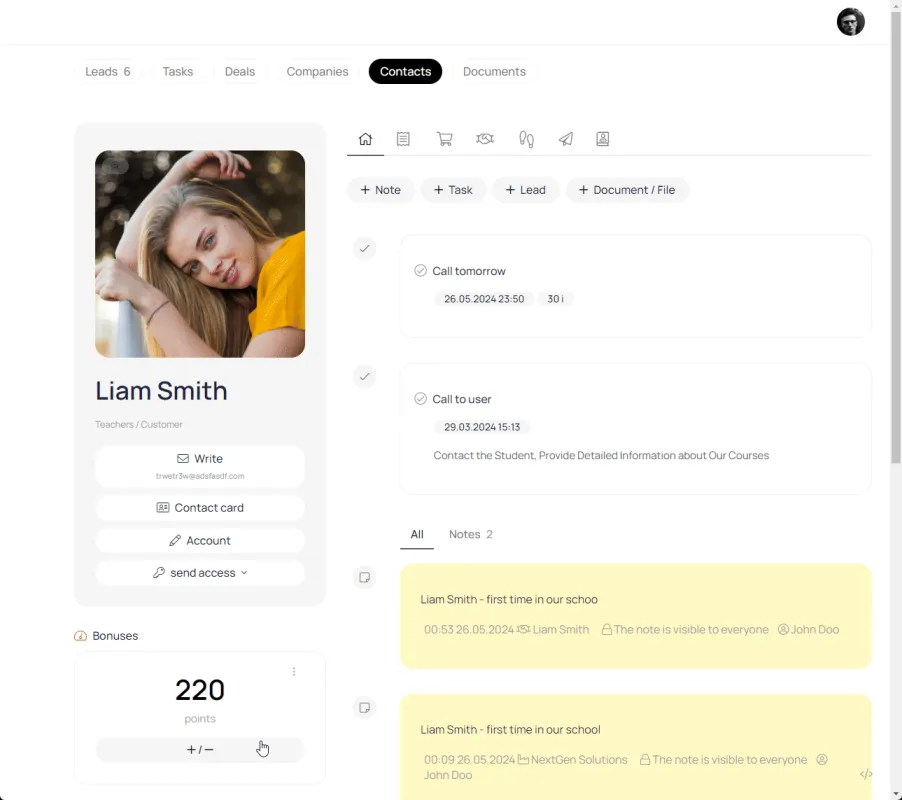
The manager can add positive and negative transactions to the user's bonus account
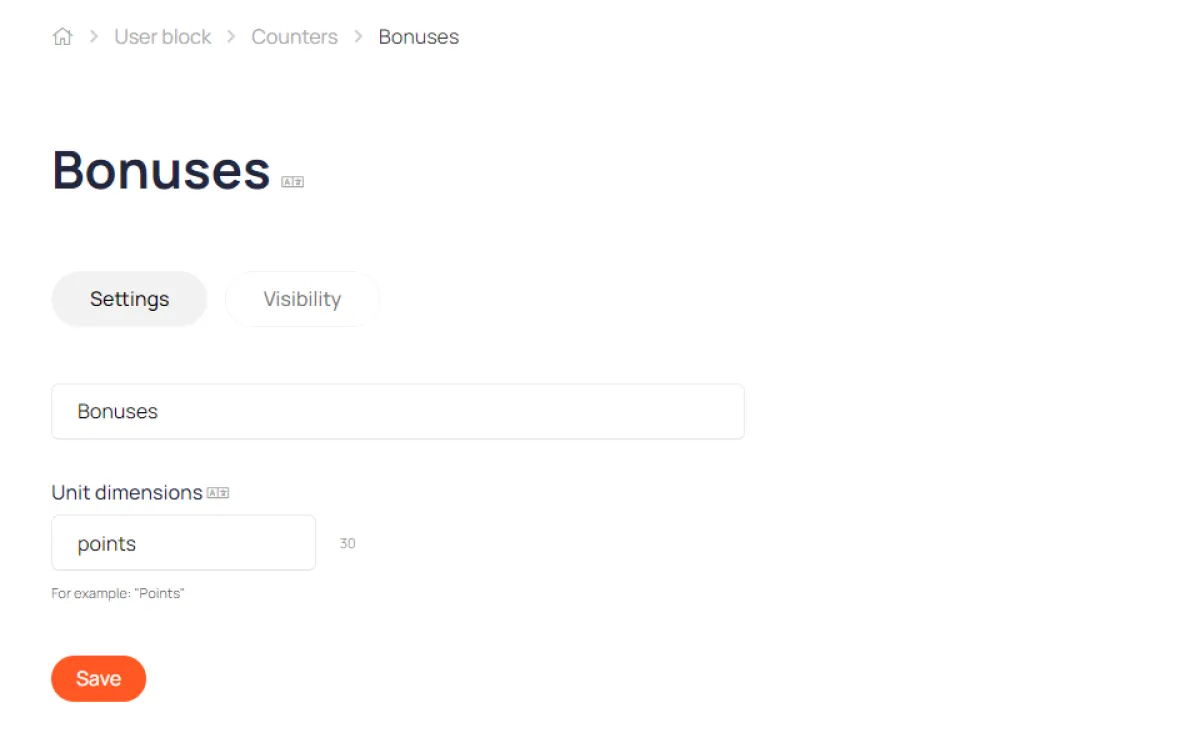
You can give the counter any name and unit of measurement.