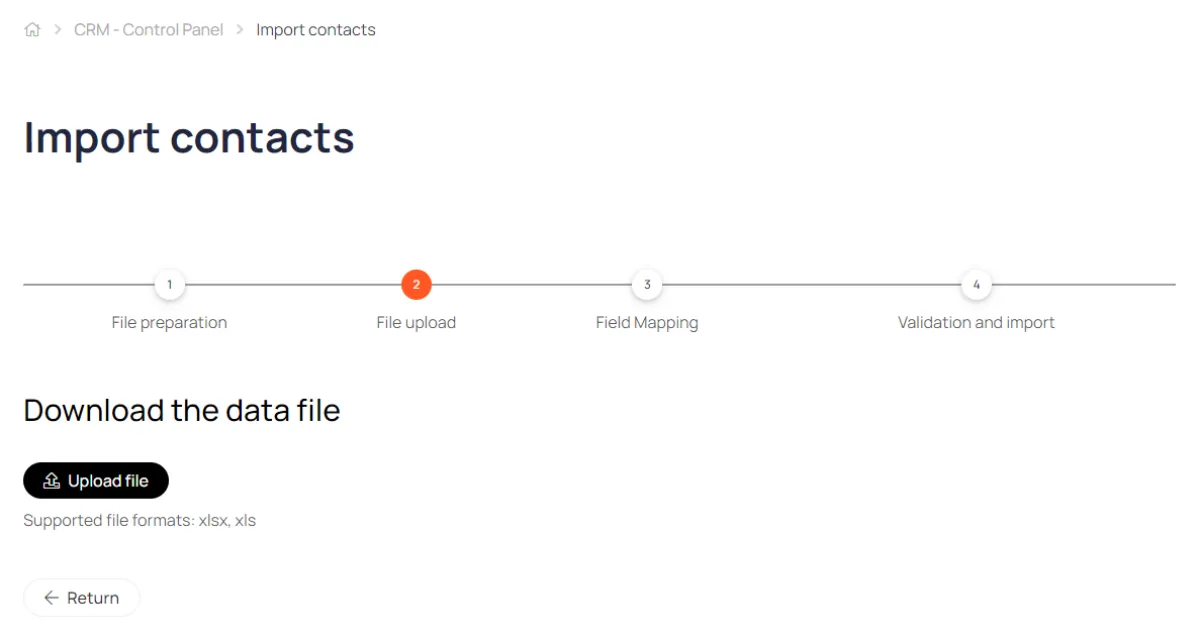
Contacts
The contact card automatically collects information about purchases, requests via forms, correspondence history, and current tasks.
The contact card automatically collects information about purchases, requests via forms, correspondence history, and current tasks.
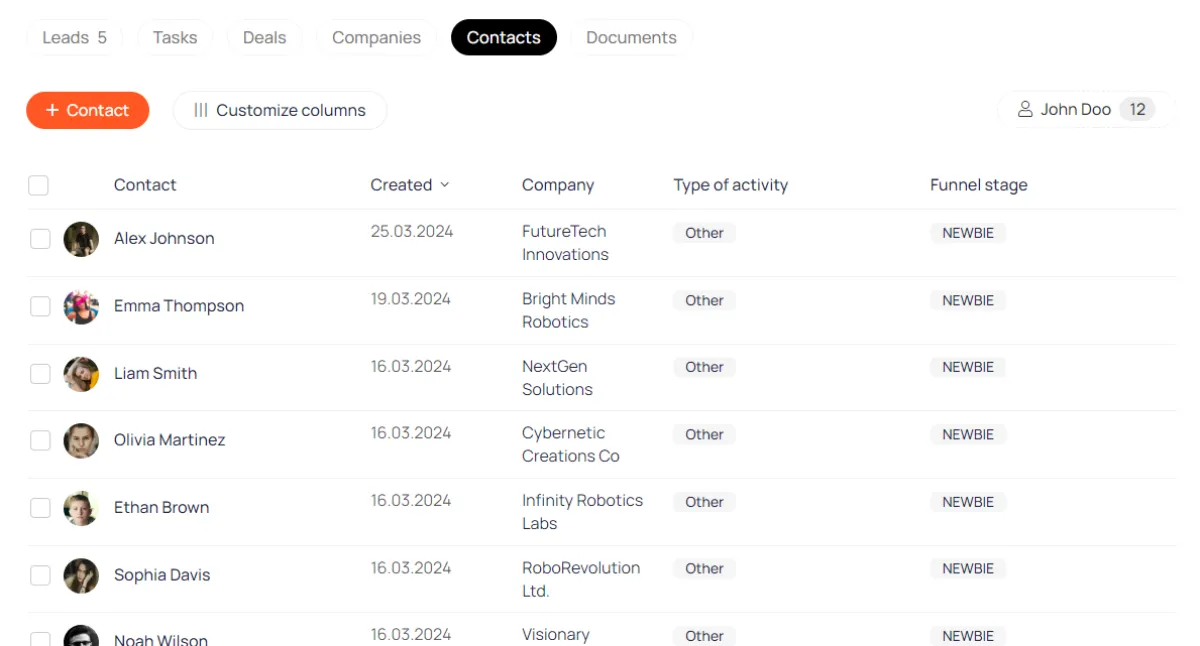
Contact list
The columns of this list are customizable.
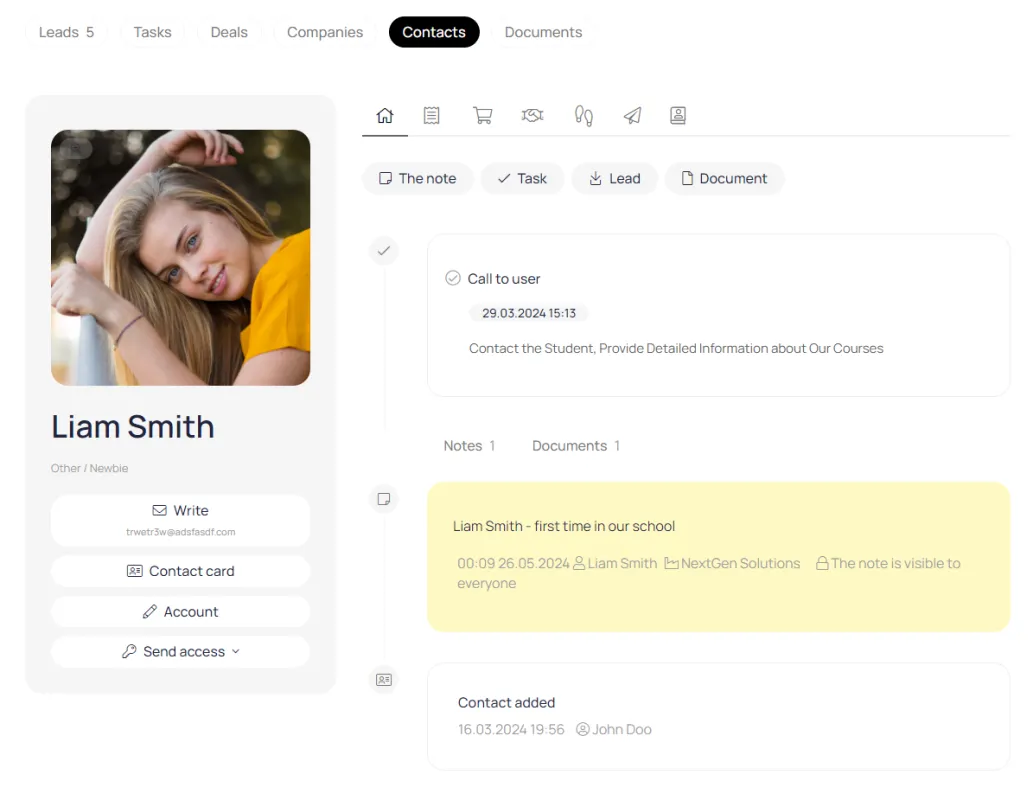
Contact card
On the main page of the contact card, you can store client documents, tasks, and notes.
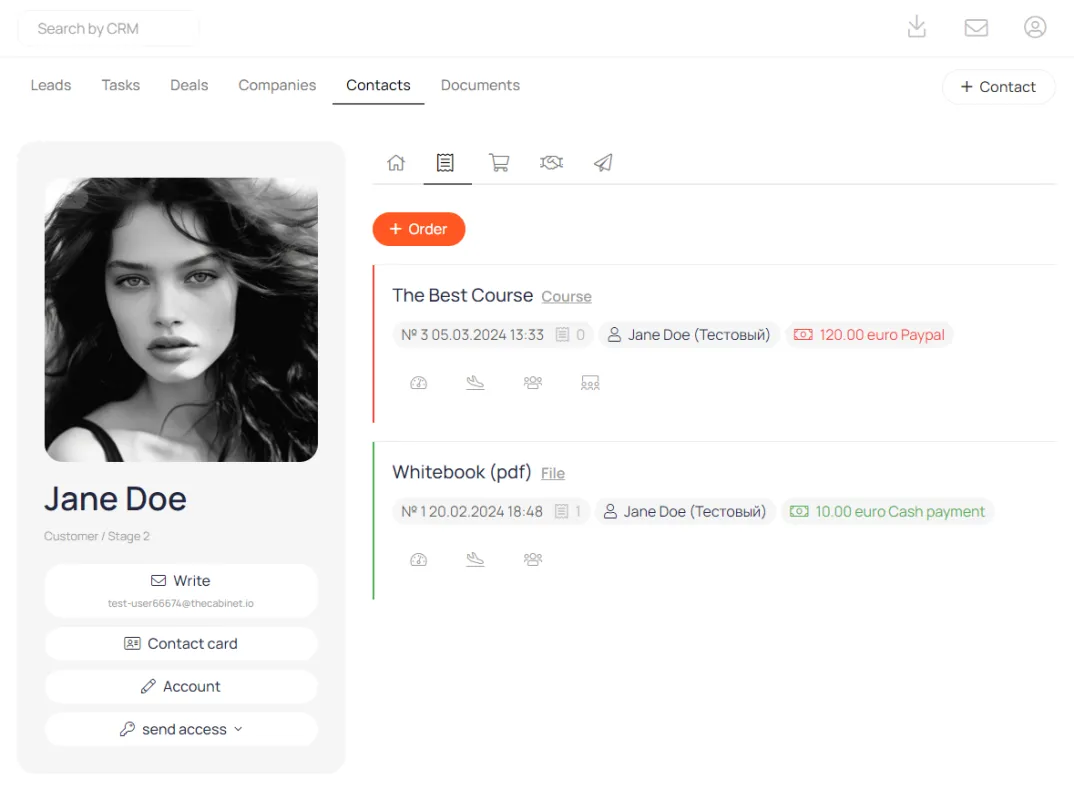
Digital products
All digital product orders and subscriptions are collected in a separate tab on the contact card.
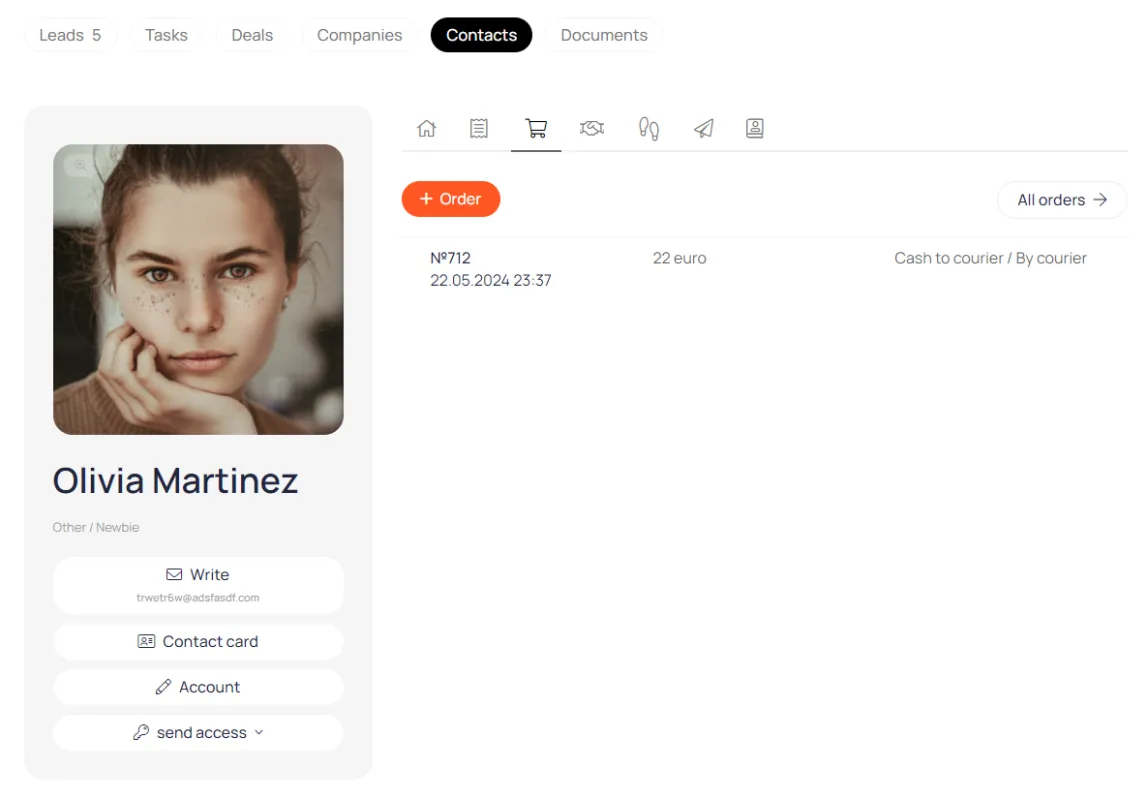
Orders via cart
All orders placed through the Store module are stored here.
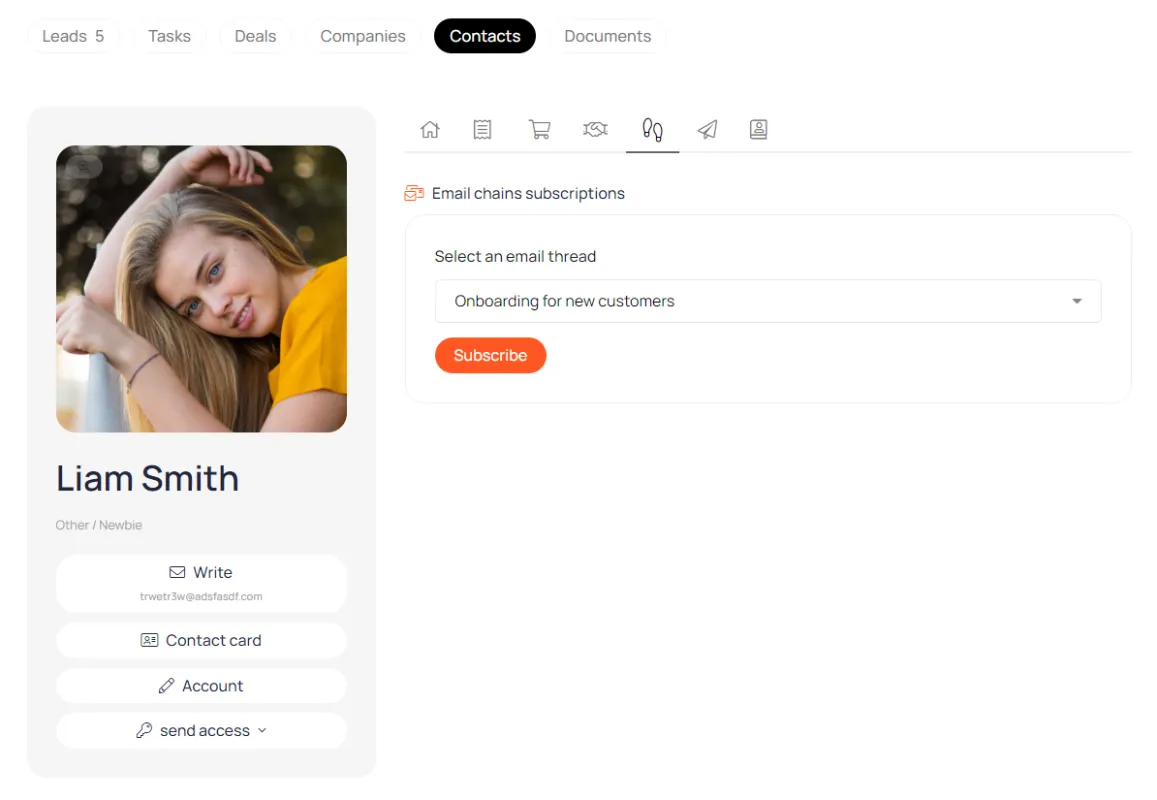
Email chains
On this tab you can subscribe a user to a chain of emails or unsubscribe
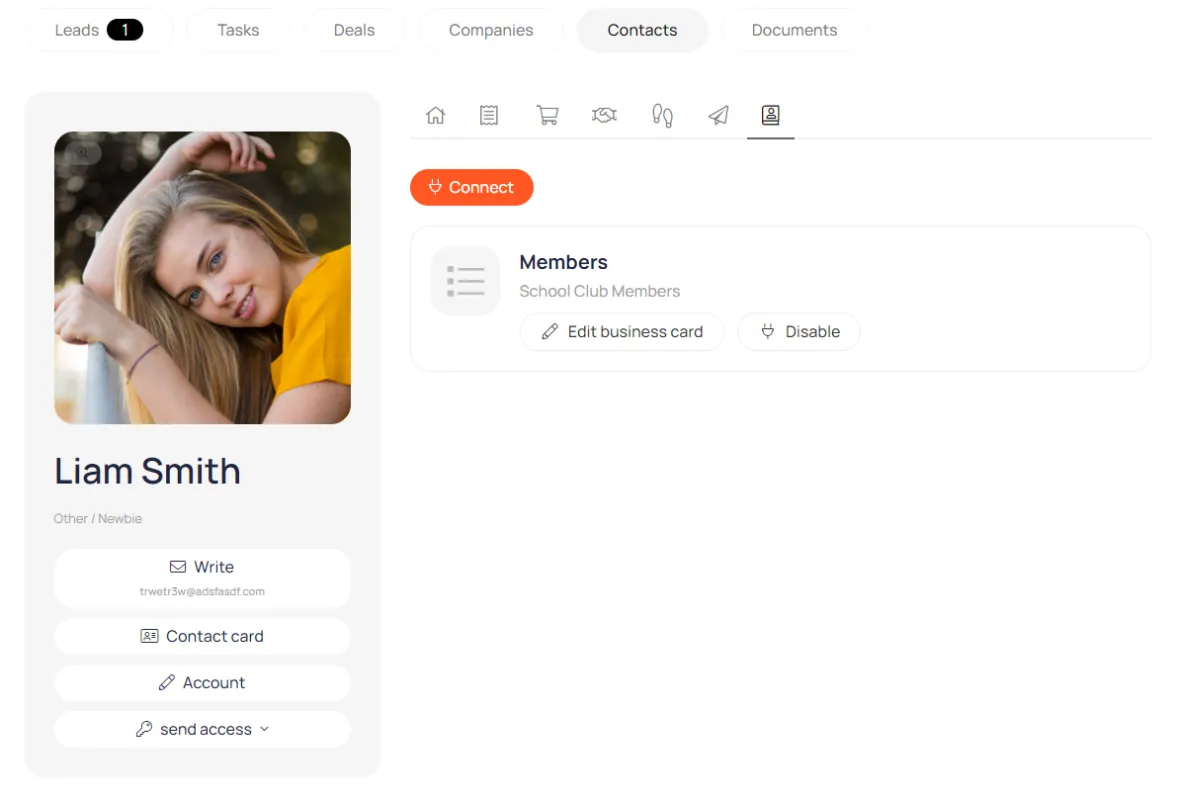
Networking
Here you can add a user to one of the participant lists.
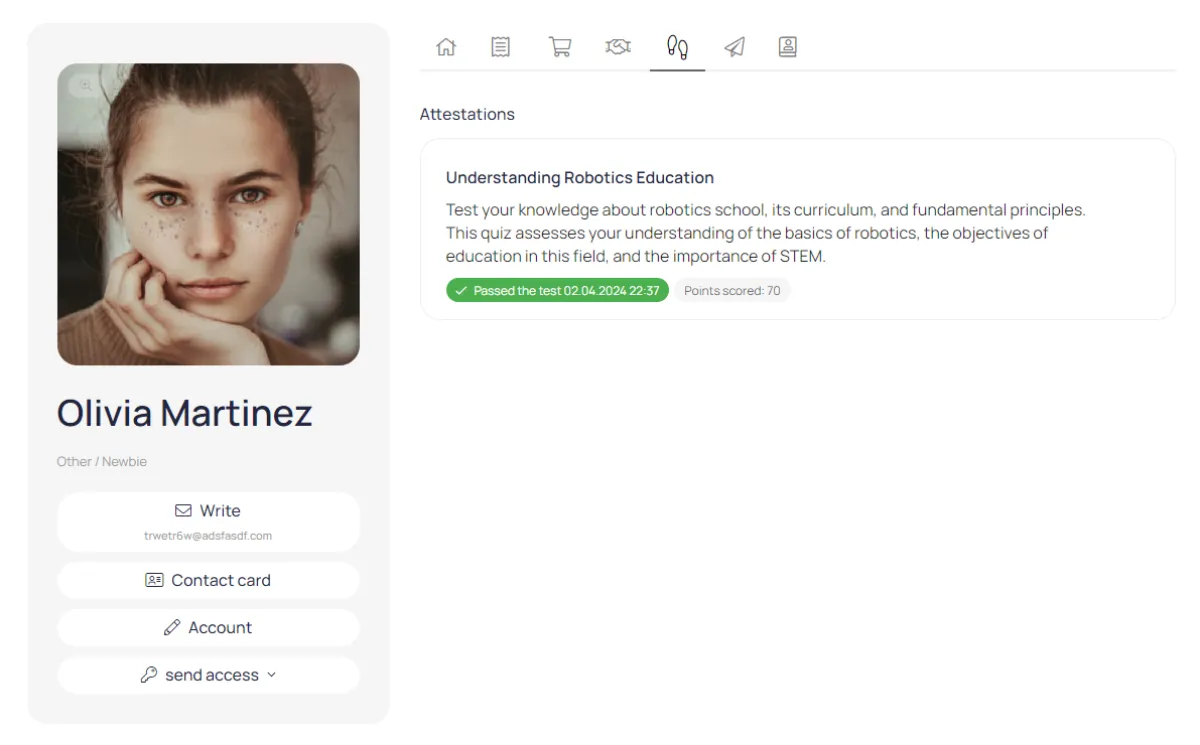
Tests
If a user has taken a test as part of an online course, their results will be reflected in this tab.
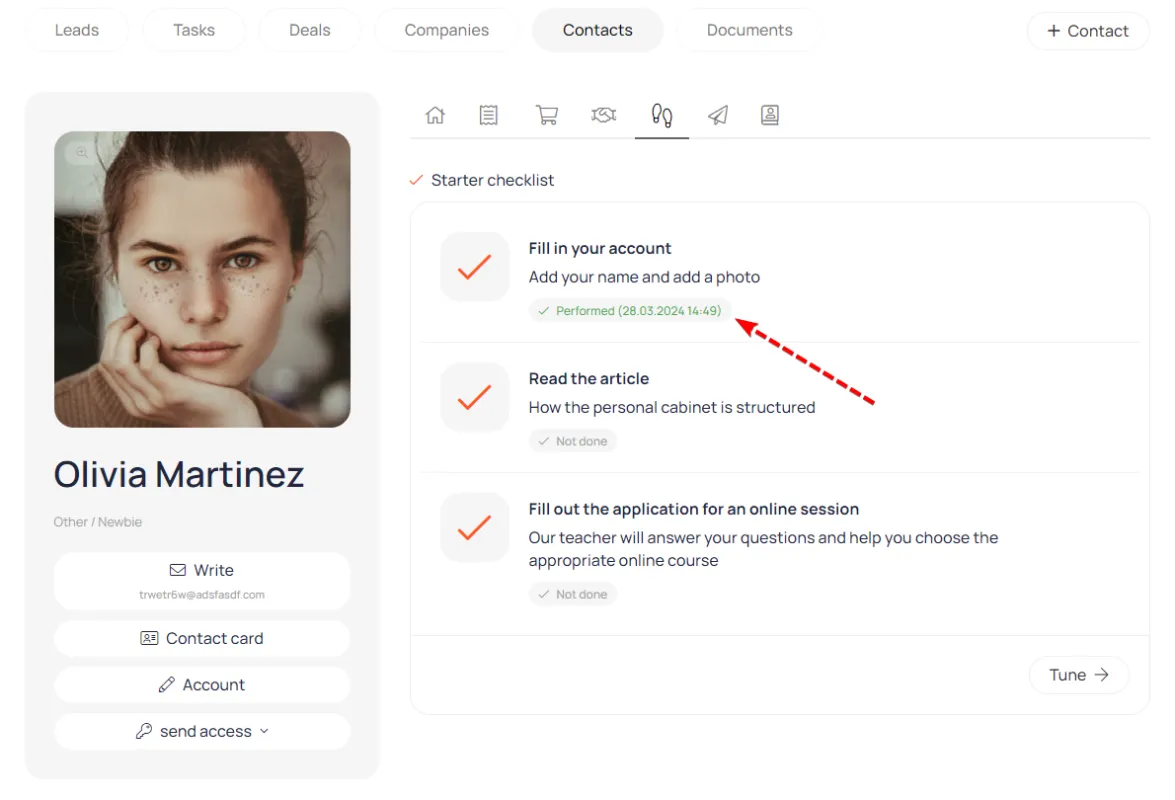
Starting checklist
The manager can control which onboarding actions the user completed during their first visit to the account.
Contact card fields
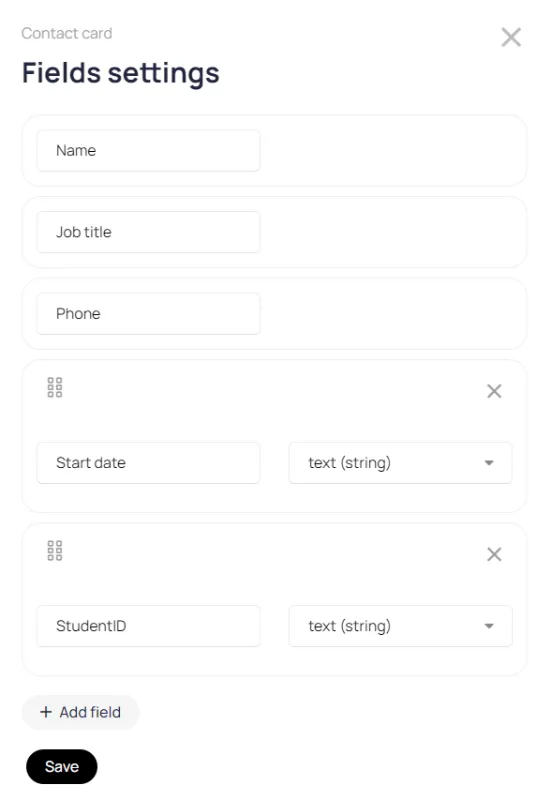
To store extended user information, create additional contact card fields.