Tariff plans
A tool for organizing pricing plans for your product
Create multiple tariff plans, add short descriptions, specify the price, and set up payment methods. Payment for a tariff plan can be either a one-time payment or a subscription. Using the REST API, you can get tariff plan payment data and transfer it to your CRM or any other platform.
Use cases
Language learning platforms
Pricing plans for accessing lessons: Basic with a limited number of lessons and Premium with unlimited access to materials and instructors
Technical support and IT services
Tariffs for different support levels - Basic with minimal support and Premium for 24/7 assistance and priority service
Cloud and SaaS services
Subscription plans for access to tools, with varying levels of access and limits on the number of users, data storage, and features
Education
Users choose between basic and premium plans to access courses. For example, they can choose basic access to materials or full access with consultations and webinars.
Fitness and sports
Memberships with varying prices depending on the frequency of visits or access to exercise equipment, group classes, and personal training
Legal and consulting companies
Consultation packages - basic for a one-time consultation or a subscription for long-term support
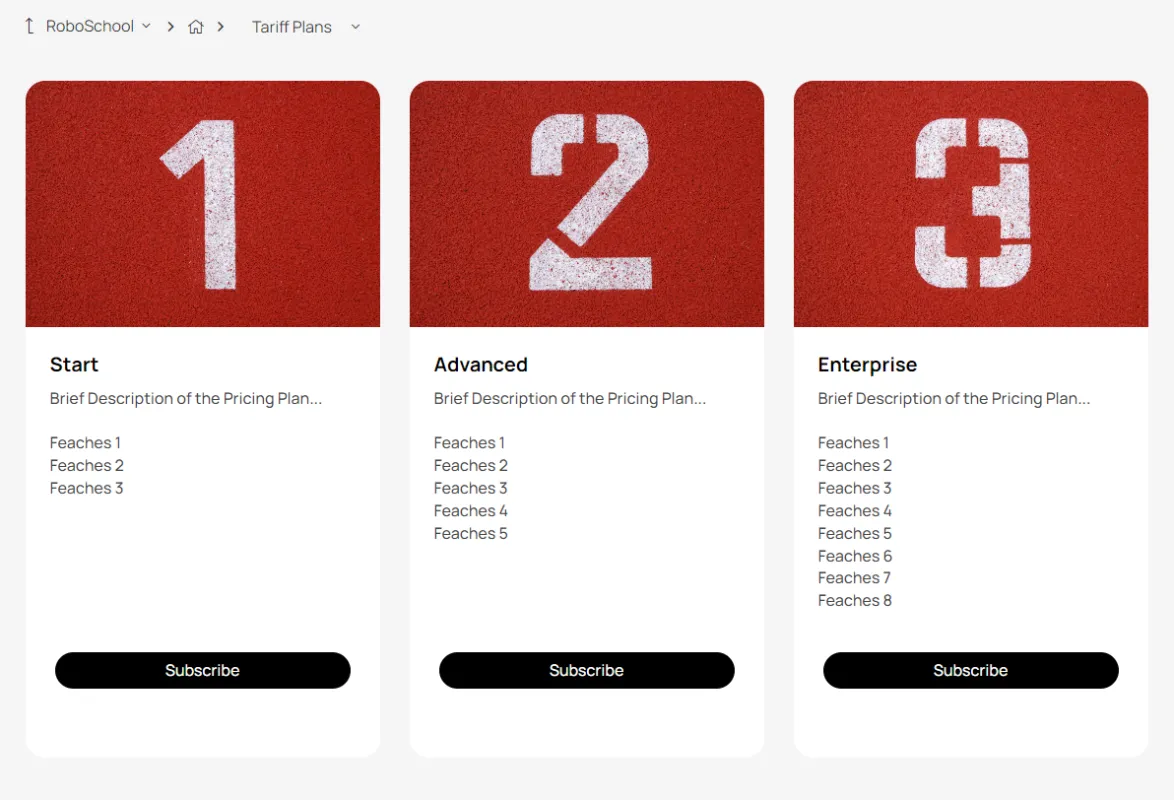
This is what the tariff plan selection page looks like
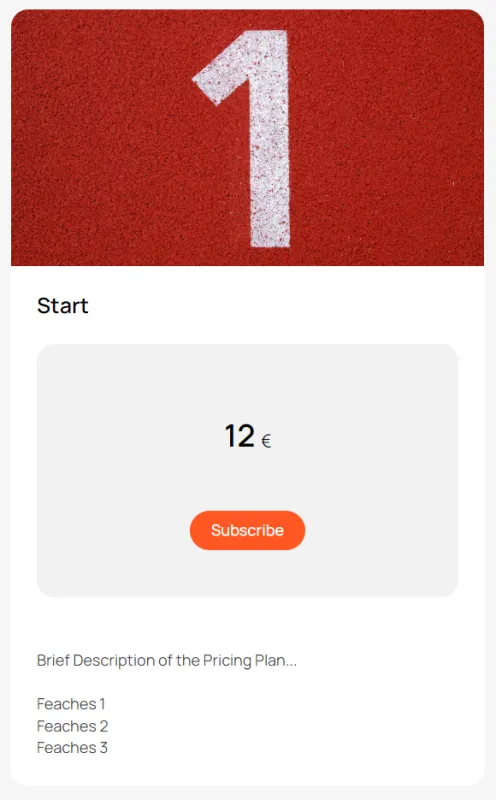
A page with a description of the tariff plan and a subscription button
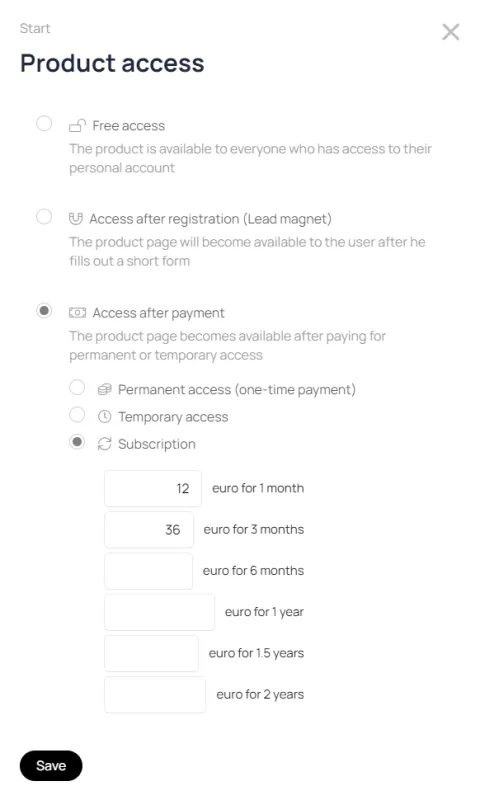
Setting up tariff plan payment
Here you can set the frequency of payments and the price for each period.
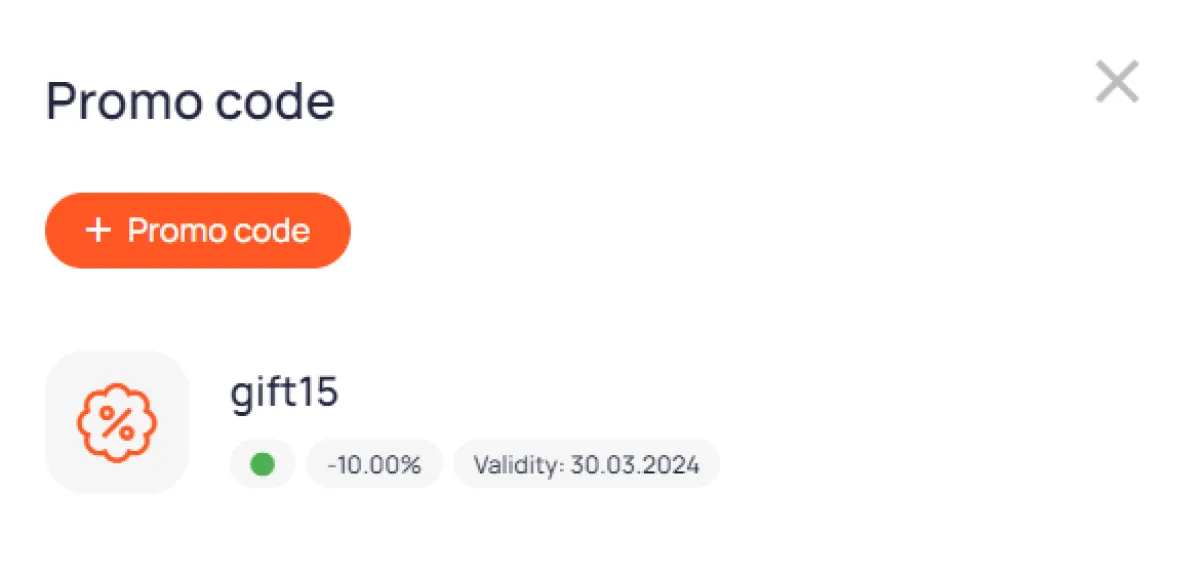
Promo code
If necessary, set up promo codes with discounts on the tariff plan
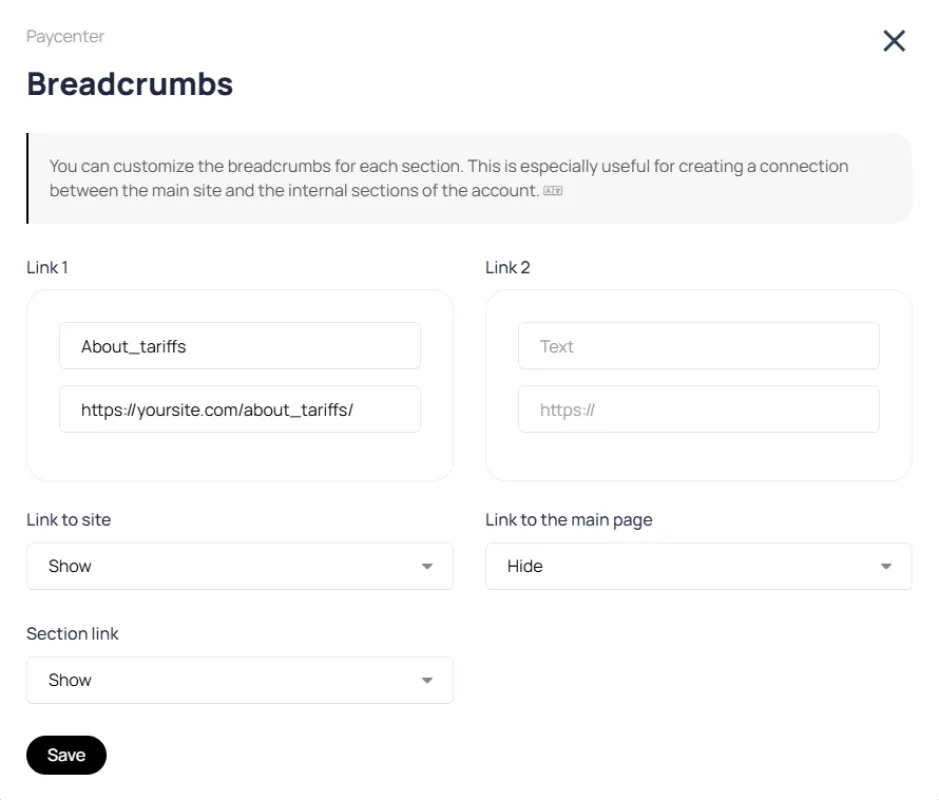
Tariff page breadcrumbs
Breadcrumbs can be configured so that the user can always return to a higher-level page within your site.
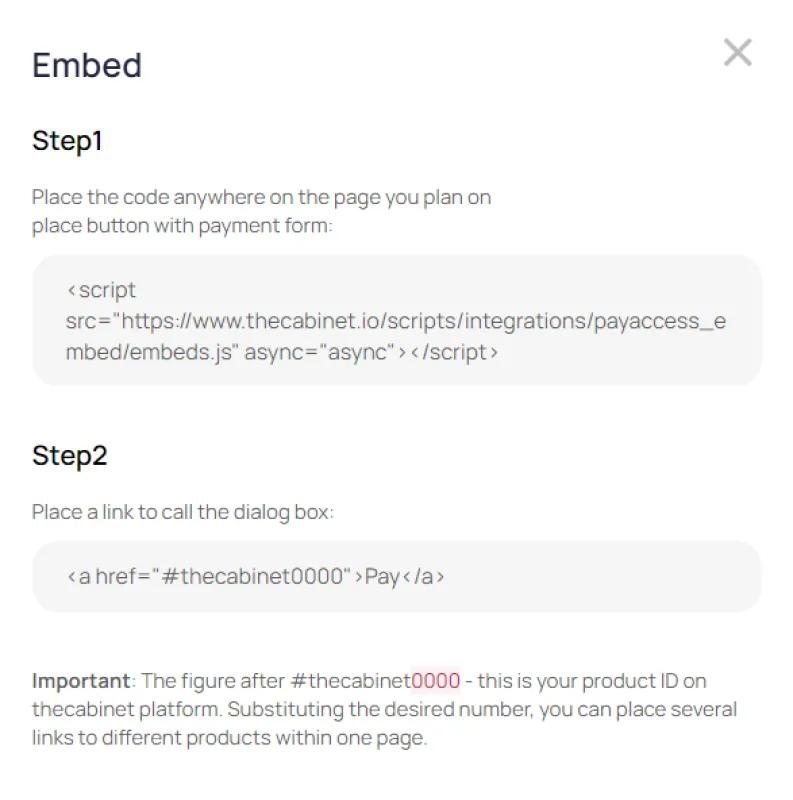
Embed
You can embed a tariff plan purchase button on your company's website.