Segments
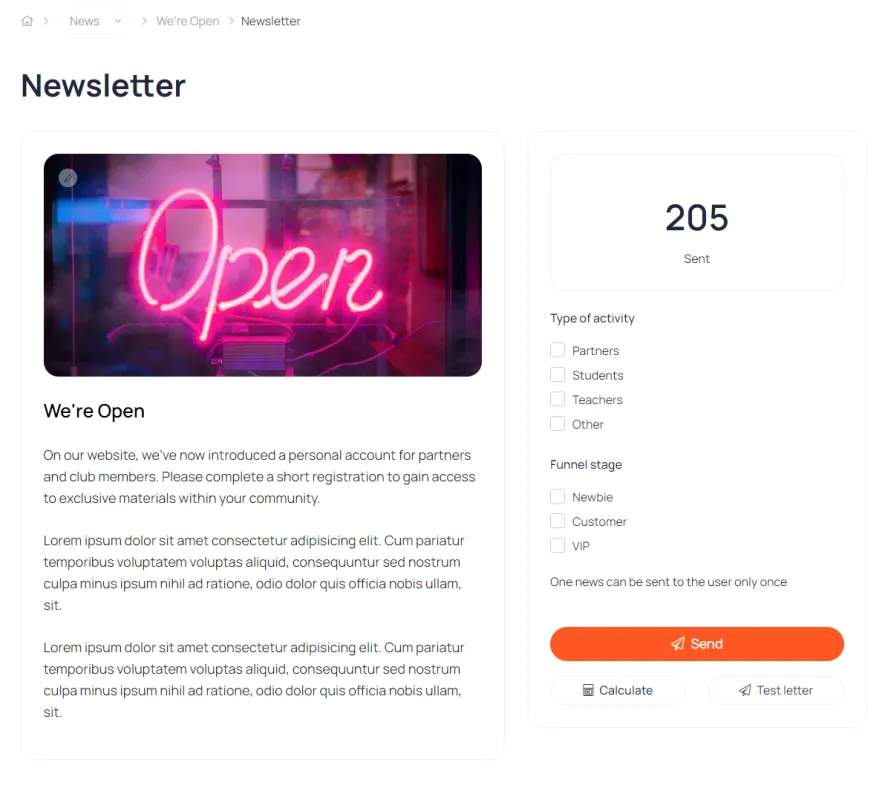
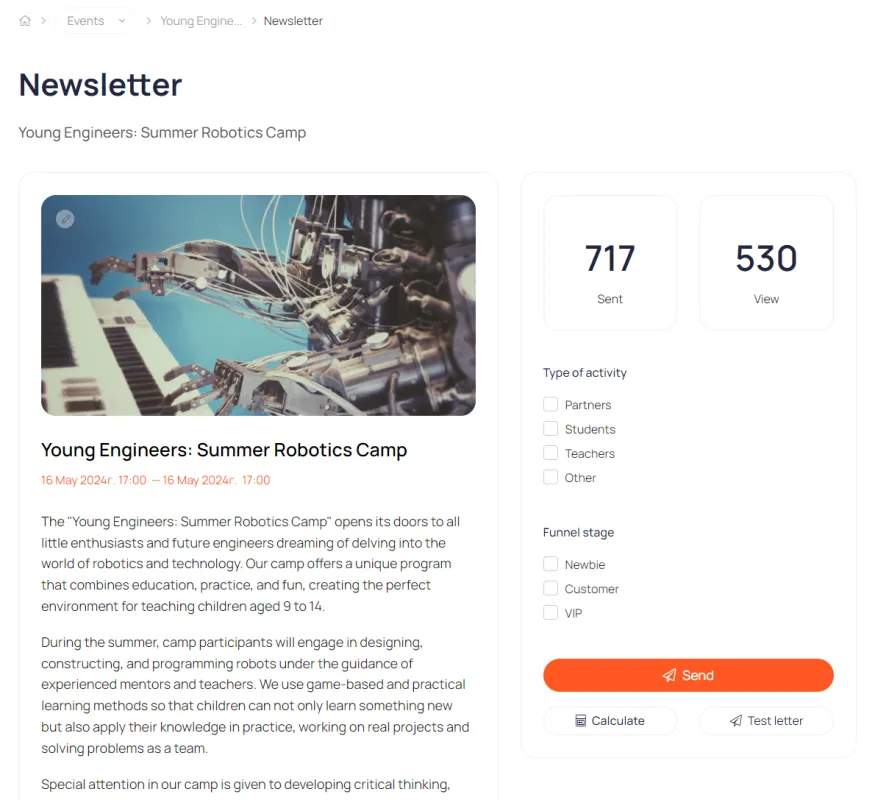
A tool for working with multiple user groups. Create a customized set of tools and content for each group.
Create unique workspaces for different user groups
Segmentation example
Activities
Students
Segment 1
Student
Newbie
Newbie
Segment 2
Student
Active
Active
Segment 3
Student
VIP
VIP
Teachers
Segment 4
Teacher
Newbie
Newbie
Segment 5
Teacher
Active
Active
Segment 6
Teacher
VIP
VIP
Partners
Segment 7
Partner
Newbie
Newbie
Segment 8
Partner
Active
Active
Segment 9
Partner
VIP
VIP
New
Active
VIP
Stage of the Funnel
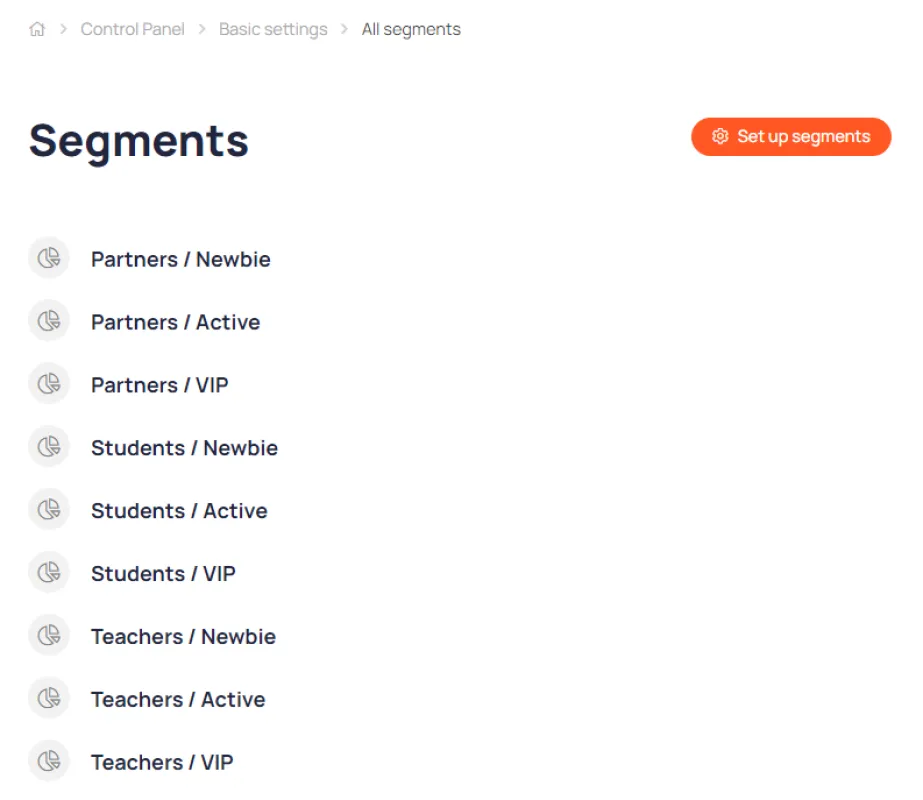
Basic user segments are created automatically when you create a personal account.
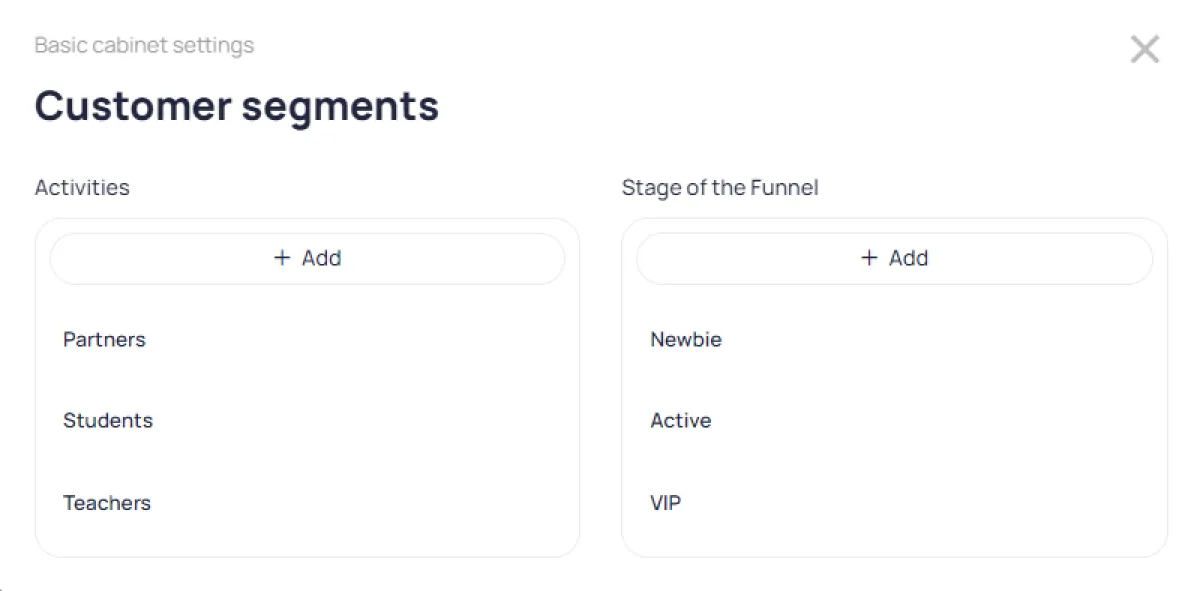
The "Activities" and "Stages" directories allow you to simultaneously segment both the content in your account and the contact database in your CRM.
Setting visibility
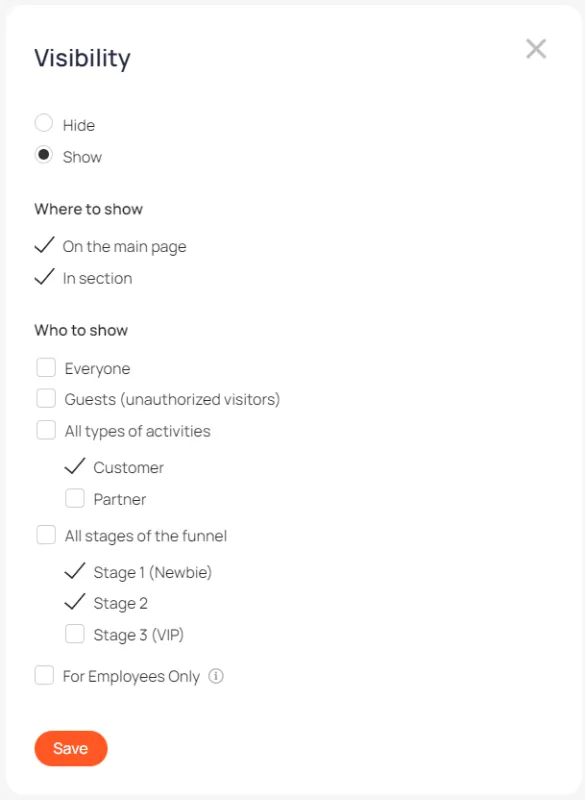
All content units have their own visibility settings relative to user segments. This allows for flexible workspace configuration to provide users with only the currently relevant information and shield them from unnecessary information.
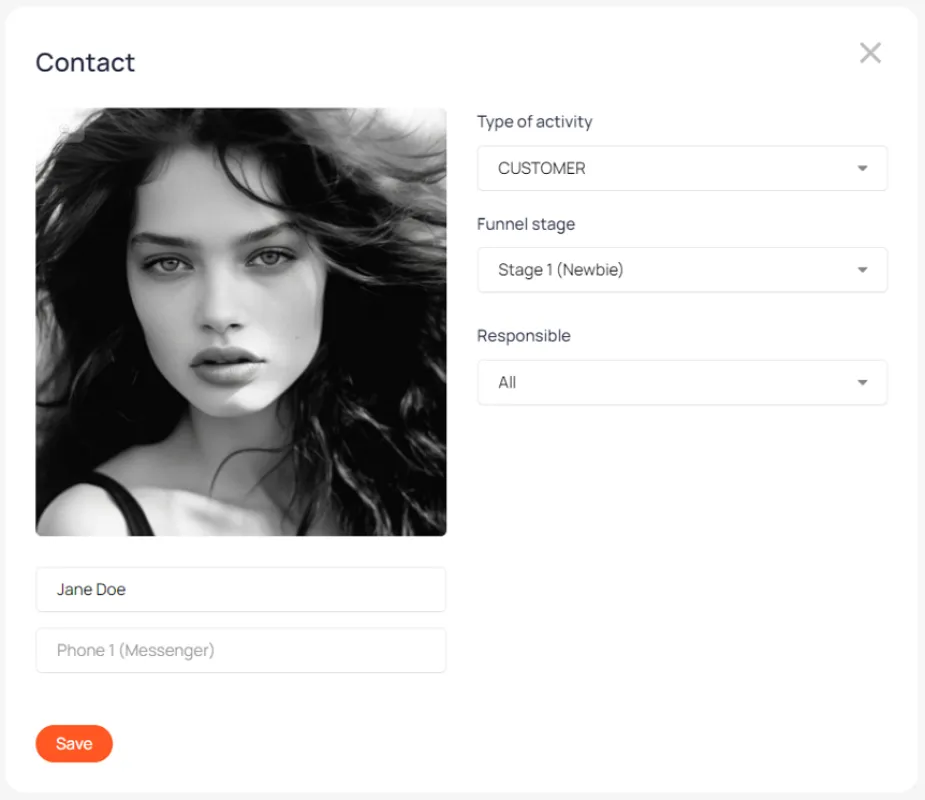
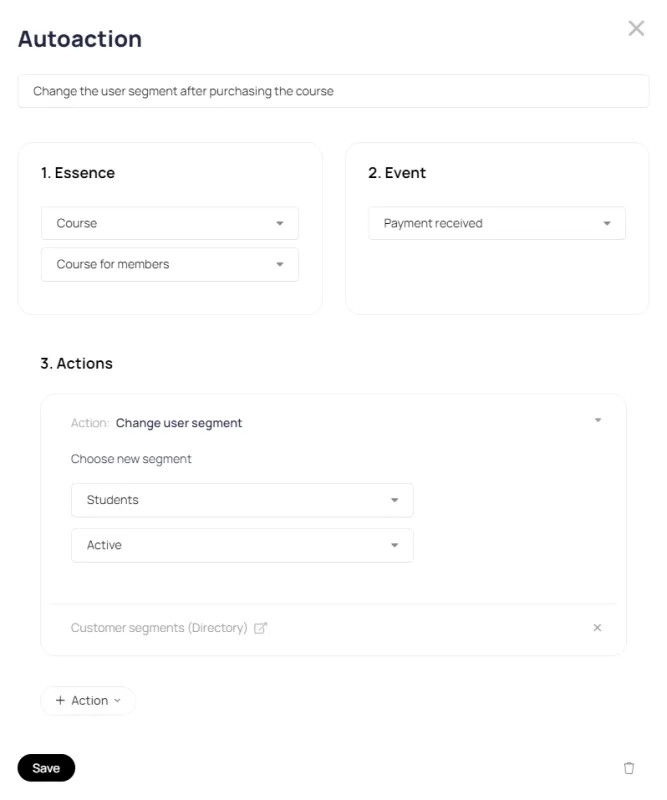
When changing a segment, the content of the user's personal account changes automatically