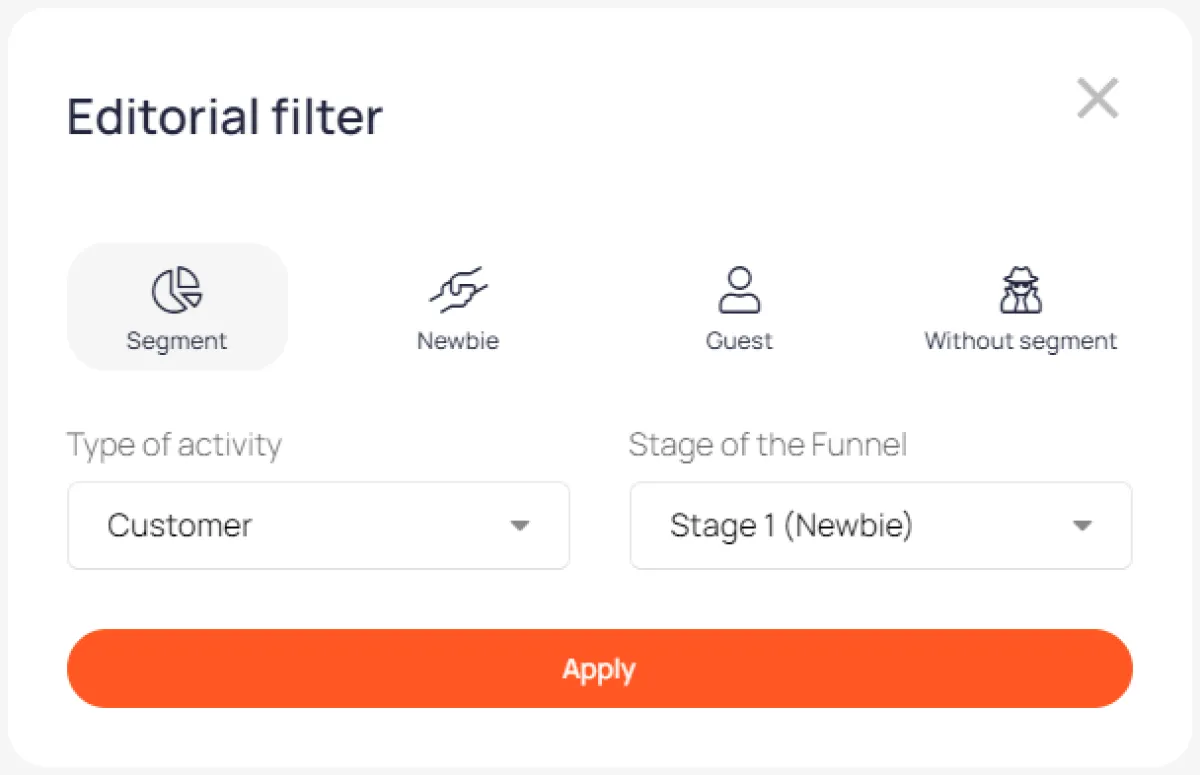
Editor's filter
When working with multiple segments, it allows you to view the account through the eyes of users from different segments
The editor filter is located at the top of the screen and is only accessible to managers. It allows you to view the page from the perspective of users from different segments. Switch between segments to see the content and tools available for each segment.
Open Day
Submit Document
About school
News
Course
Knowledge base
News
Events
Course 1
Course 2
Knowledge base
News
Events
Teacher's room
Knowledge Base for Teachers
News
Events
Editor's filter
When working with multiple segments, it allows you to view your account through the eyes of users from different segments