
Auto-actions
Send emails, award points, subscribe to email chains, create deals and tasks, and automatically transfer users to another segment.
A simple designer for setting up automatic actions based on specified events. It works like this: 1. Select the entity for which you want to set up an automatic action. 2. Select the event for which the action will occur. 3. Select the action that you want to perform automatically.
To create an automated action...
Essence
Select the entity for which you want to configure the automatic action
Event
Select the event at which the action will occur
Actions
Select the action you want to perform automatically
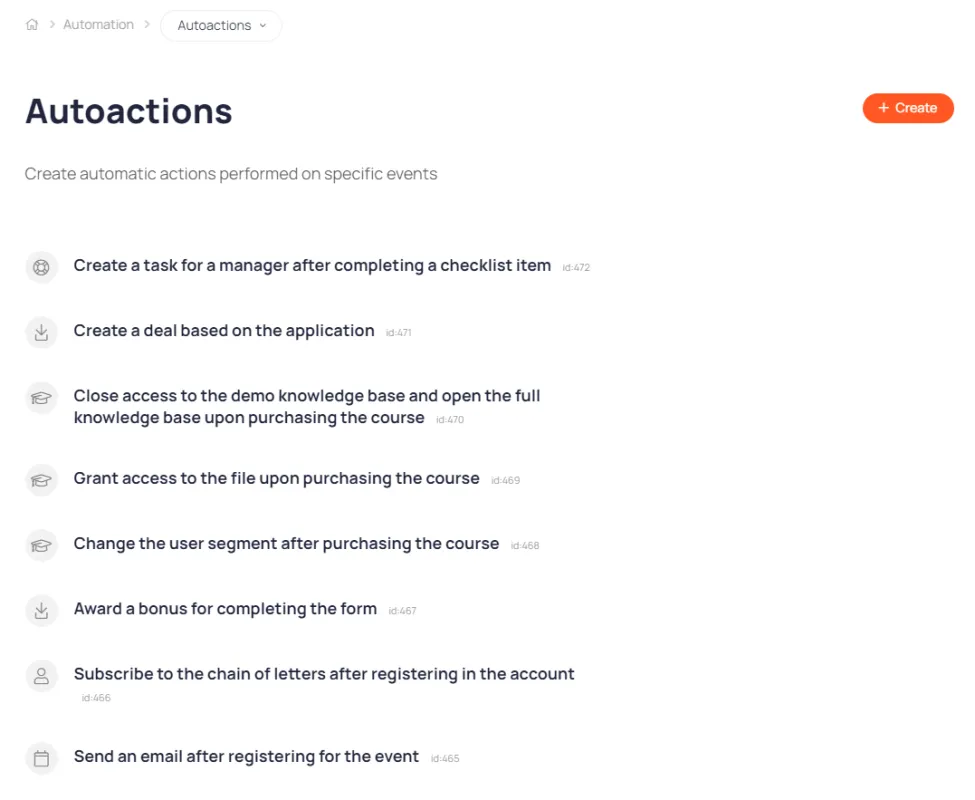
A list of automated actions for performing various business tasks
Create an unlimited number of auto-actions
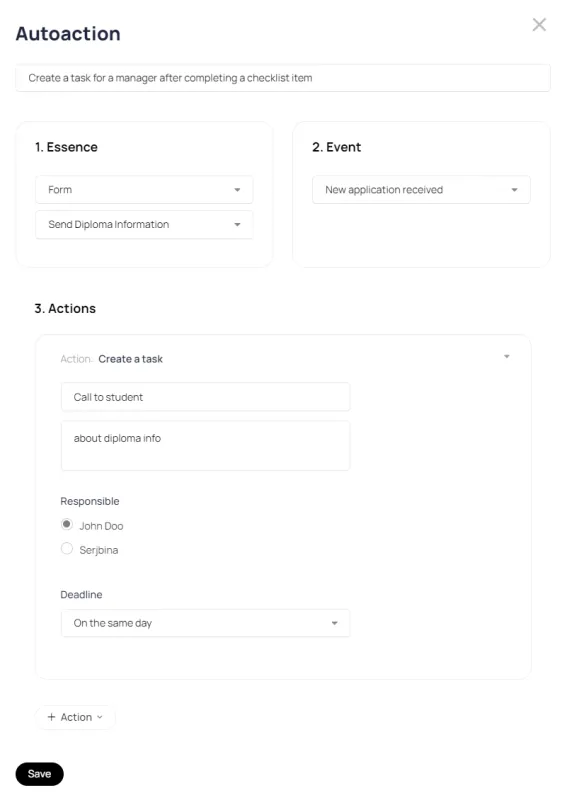
Example of a configured auto-action
When a user completes an item on the start checklist, the manager is assigned the task of contacting the user.
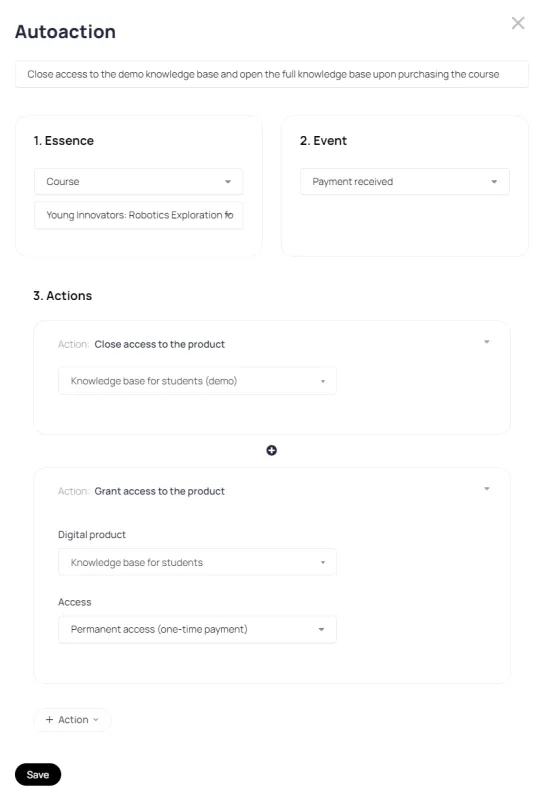
One event can trigger multiple actions.
For example, when purchasing an online course, access to the DEMO knowledge base is automatically closed and access to the main knowledge base is opened.
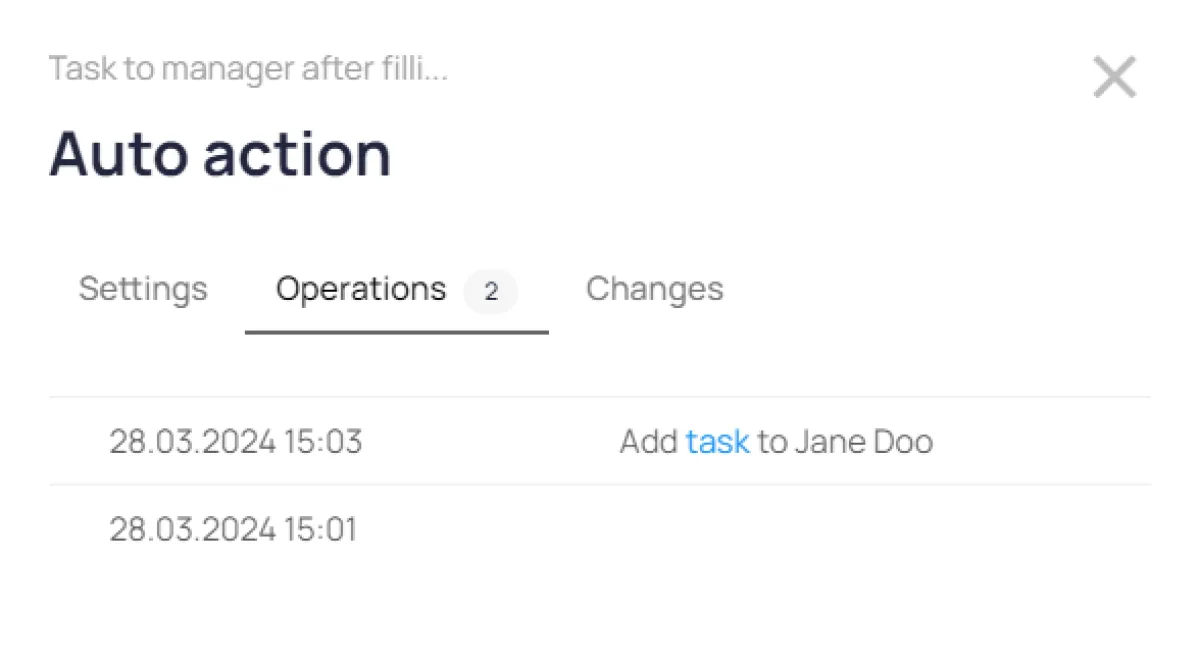
Auto-action execution statistics
Control the number of triggers
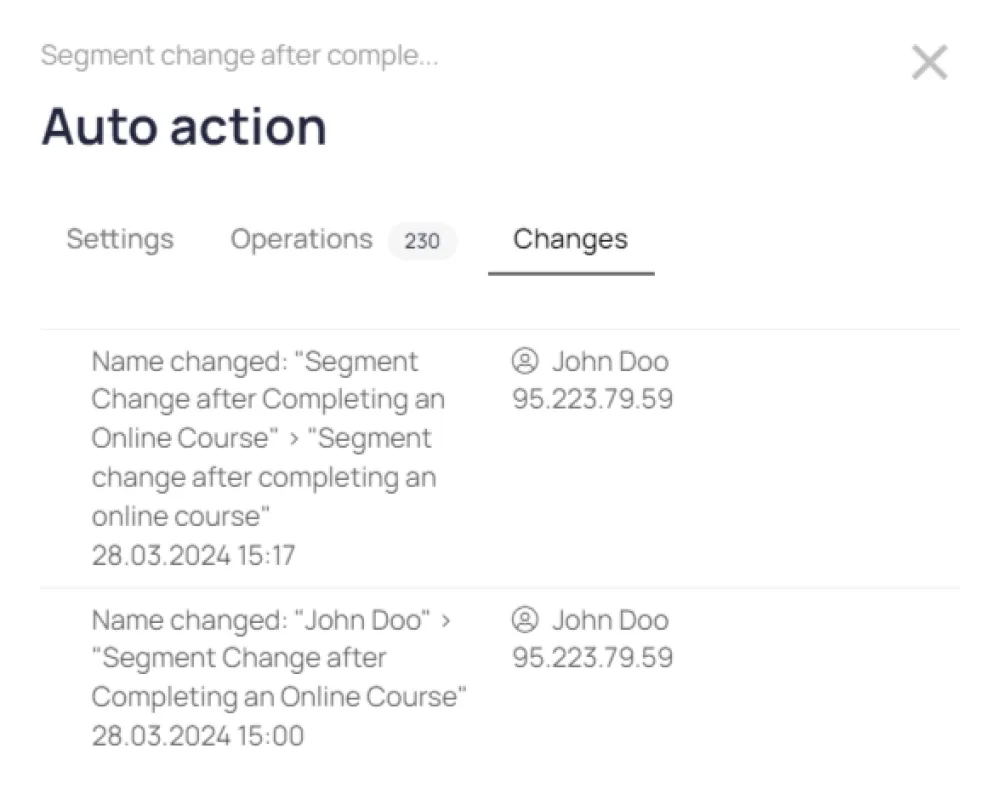
Change history
Control who changed your auto-action settings and when
DEMO mode
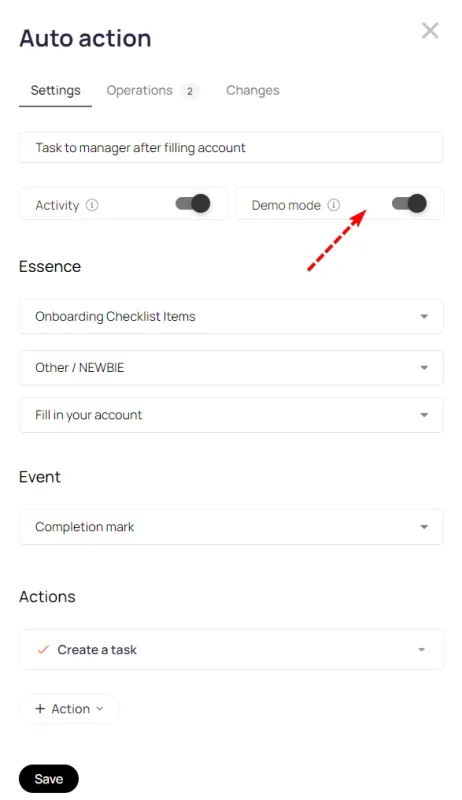
Helps you set up automated actions without actually performing them. This is useful when setting up email notifications and testing automated actions without sending emails to real users.